

Ugreen M751 mouse review: office classic
27.01.25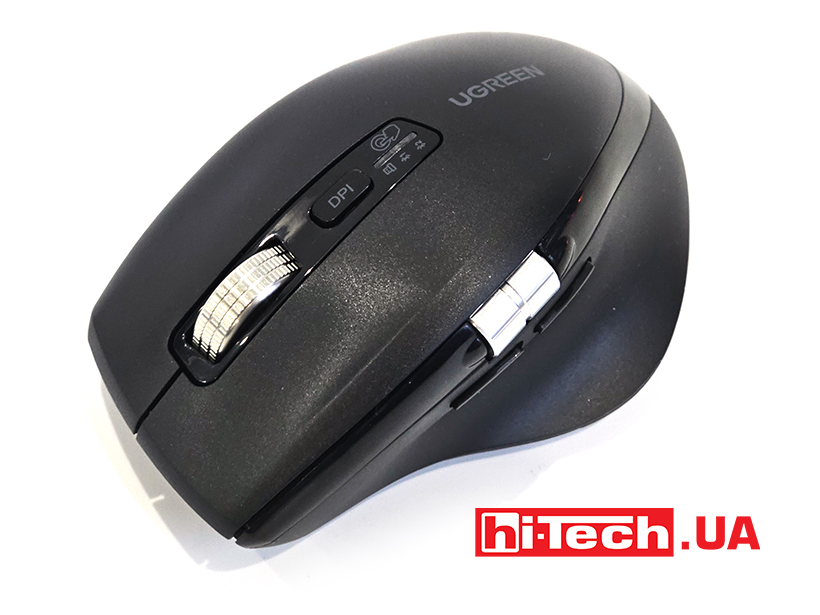
Ugreen has released a new mouse for office tasks. Interestingly, its design immediately sends us to one of the classic models of the higher price range. Noticeably higher. Let’s see if we can save money without losing too much convenience.
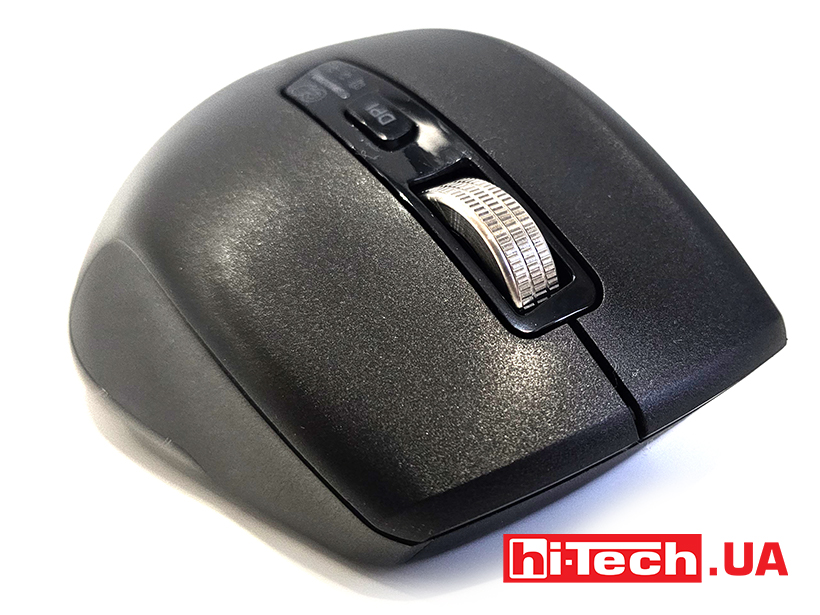
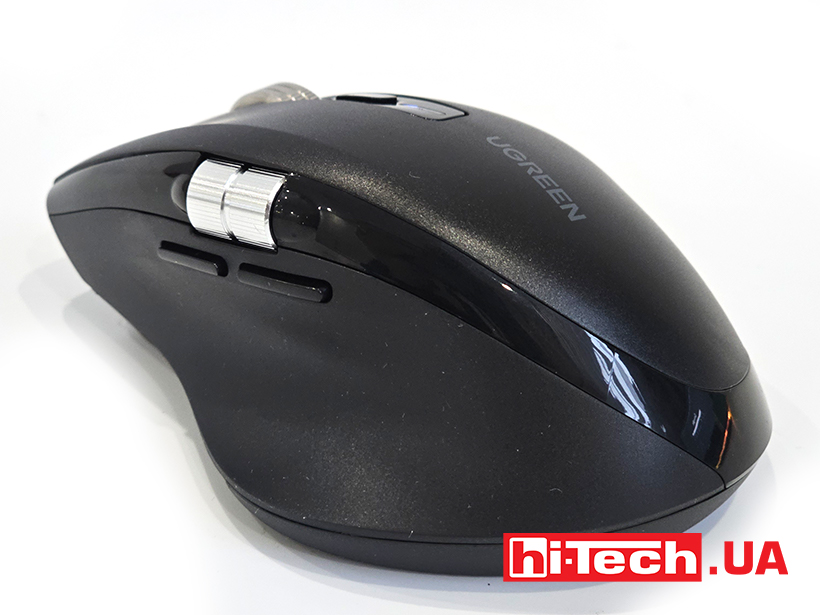
The Ugreen M751 wireless mouse has a large but ergonomic body. The mouse turned out to be comfortable for long work. There are matte areas of the surface that eliminate hand slippage. But there are also glossy panels and at least they will collect fingerprints, worsening the aesthetics.
Design and ergonomics
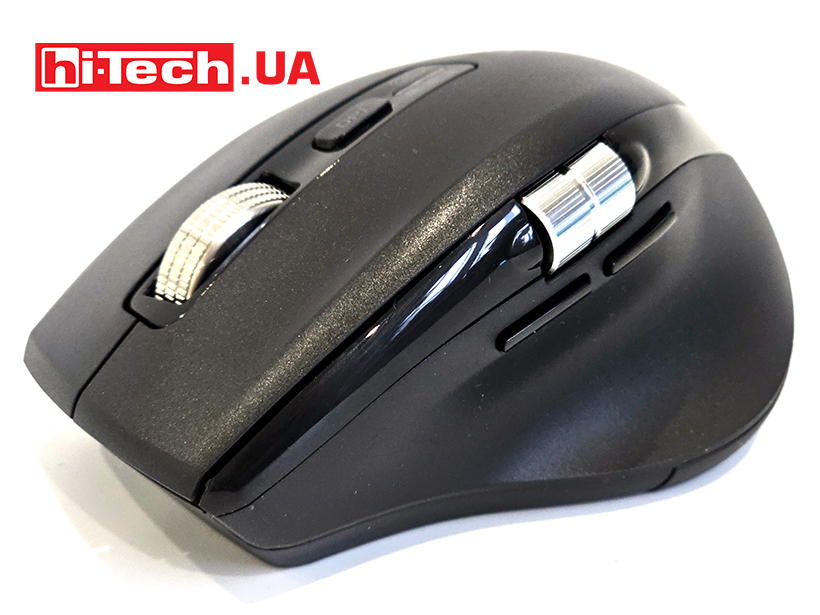
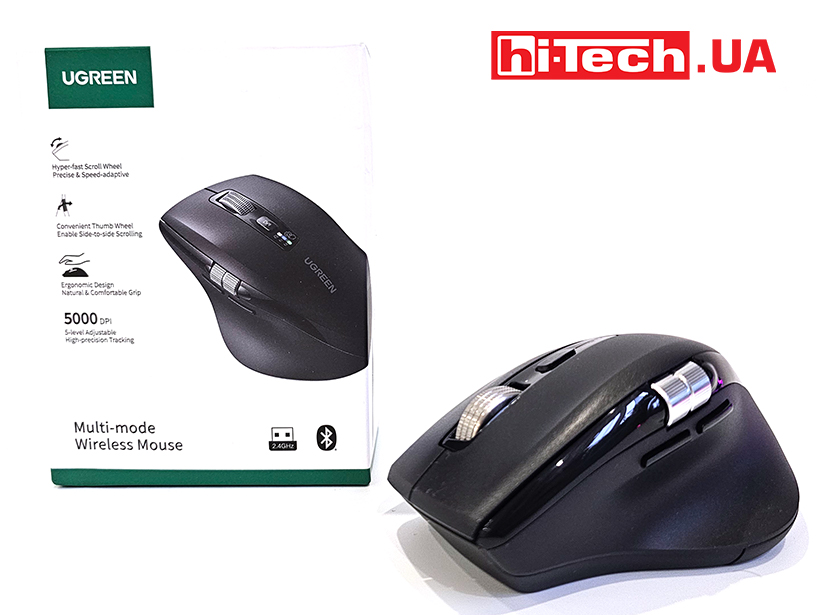
The mouse has 6 buttons in total: two main ones, next to them – DPI change, two small additional ones on the side and two scroll wheels at once: the main vertical one and the additional lateral one. The main wheel is also clickable. It also supports Hyper-Fast Scroll mode. It will come in handy when scrolling through documents with hundreds of pages or long web pages on the Internet. Interestingly, the inertial mechanism of the wheel makes funny sounds when working, similar to a small motor.
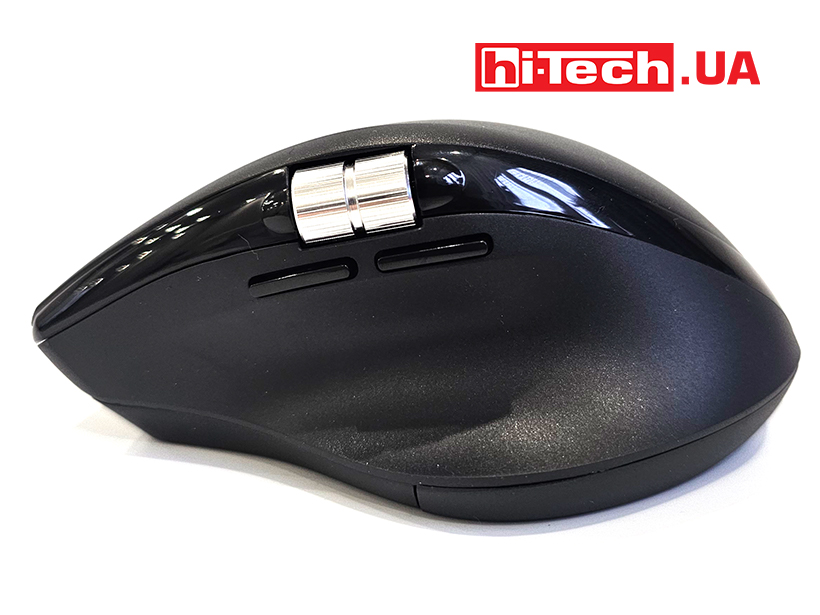
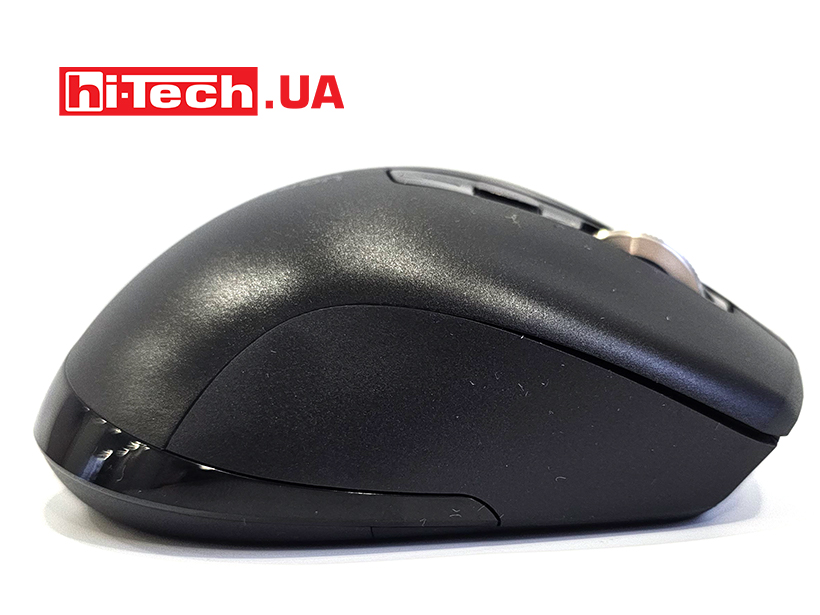
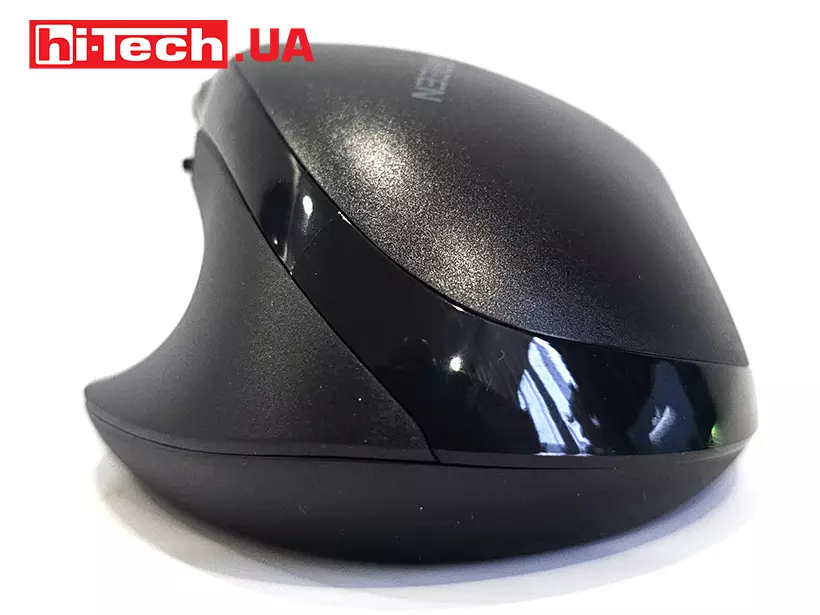
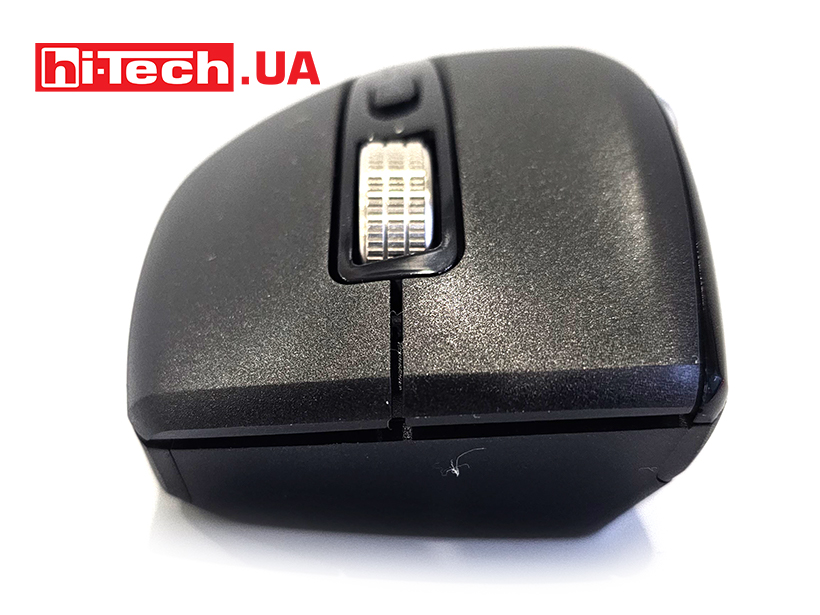
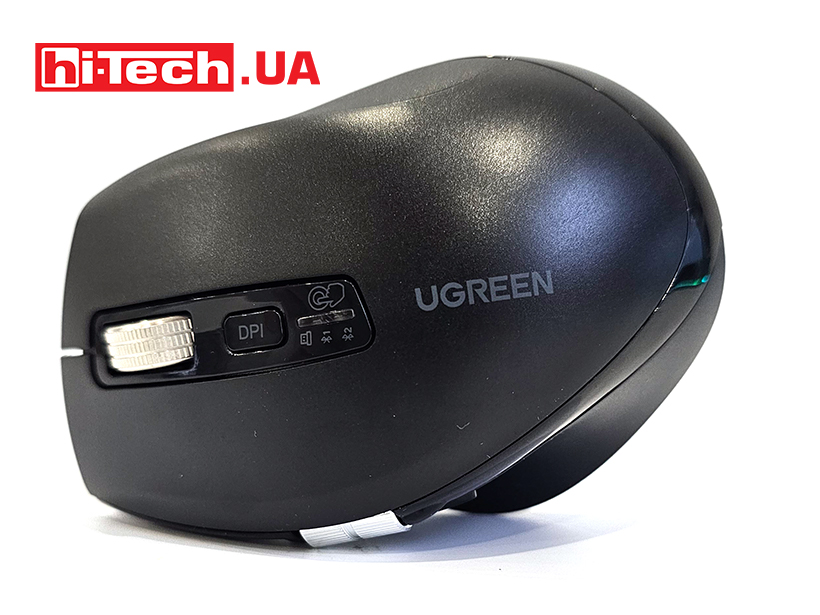
An additional wheel, more like a drum, will be convenient for horizontal scrolling in photo and video editors, for example. The main buttons are very quiet, there is no characteristic “cheap” click during operation. The side wheel makes a slightly louder sound, but not annoying.
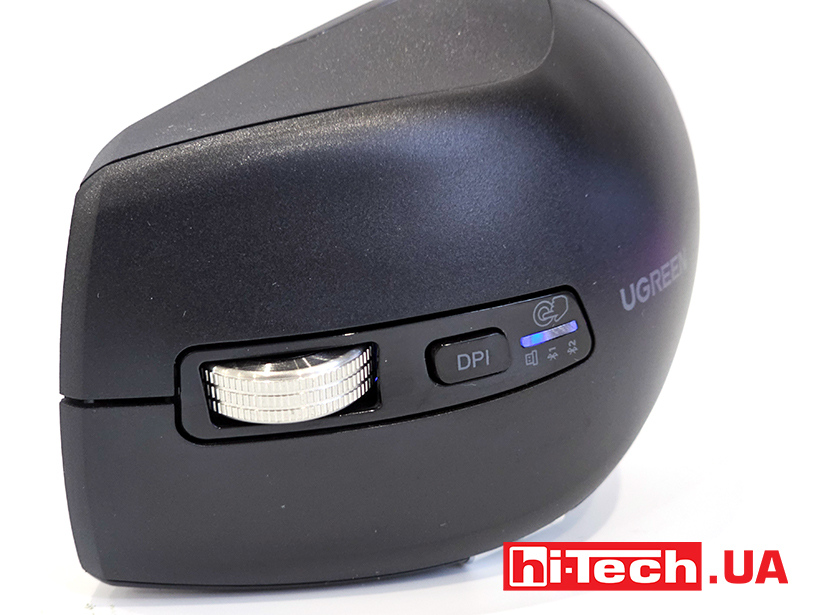
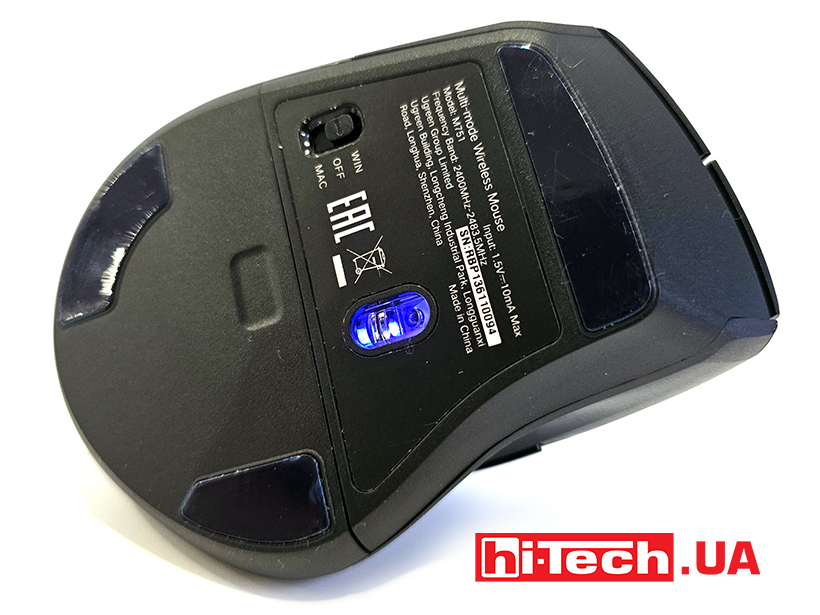
The mouse connects via Bluetooth 5.4 or via a wireless adapter with a frequency of 2.4 GHz. AA batteries are used for power, and the device can even work on one battery. I’m not sure that the autonomy is as incredible as the original concept of such mice, but it didn’t run out in two weeks of use. In general, the manufacturer claims that two batteries will last a year.
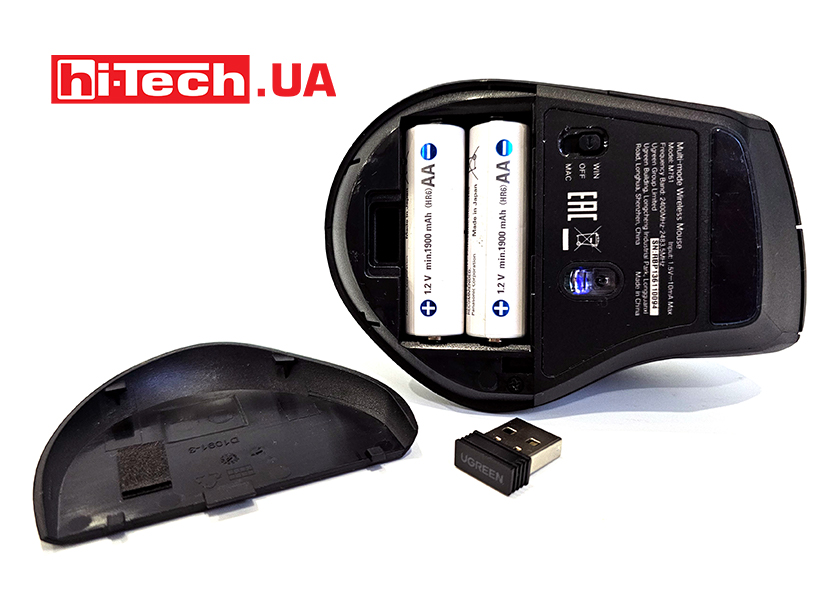
The SG8920 optical sensor is used, which provides five DPI values: 1000, 1600, 2400, 3200, and 5000. We did not notice any problems in the operating scenarios, the mouse accurately positions the cursor and does not skip.
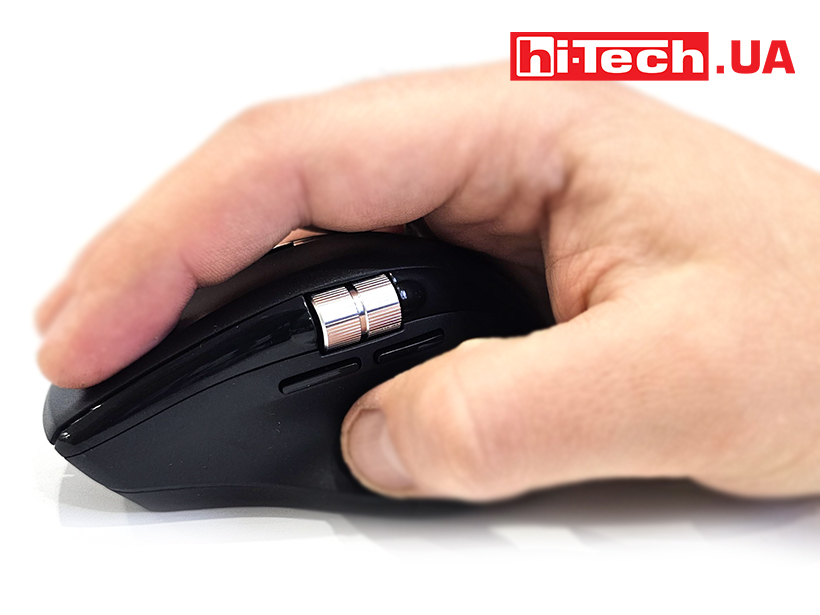
There is some inertia when moving, but it is associated with the relatively large weight and dimensions of the device. The polling frequency of the radio channel is limited to 130 Hz, which is suitable for office work, but may not be enough for certain tasks.
The disadvantages of the device include the lack of the ability to connect a mouse via a wire. The day will come when the batteries run out, and with good autonomy, this moment may not be caught. So we recommend charging the batteries once every couple of months to avoid getting into trouble.
The Ugreen M751 mouse is a practical solution for work and multimedia, offering additional scrolling functions and comfortable use. Considering its price, quiet buttons, good ergonomics and several functions like those of more expensive models – this is a very good solution.
Ugreen M751 specs
| Sensor type: | SG8920, optical |
| Resolution: | 5000/3200/2400/1600/1000 DPI |
| Number of keys: | 5 + 2 scroll wheels + DPI button |
| Connectivity: | Bluetooth 5.4
RF 2.4 GHz |
| Battery type: | 2xAA |
| Dimensions: | 76 x 112 x 48 mm |
| Weight: | 98 g without batteries, 150 g with 2 batteries |
| Supplier: | Ugreen |
| Price: | $33 |
Rating:
+ hardware
+ price
+ quiet keys
-wireless only


Don't miss interesting news
Subscribe to our channels and read announcements of high-tech news, tes






Oppo A6 Pro smartphone review: ambitious

 0
0 
Creating new mid-range smartphones is no easy task. Manufacturers have to balance performance, camera capabilities, displays, and the overall cost impact of each component. How the new Oppo A6 Pro balances these factors is discussed in our review.
Logitech G G325 headphones review: reliable and long-lasting
0 
Logitech G has released a new gaming headset that offers good ergonomics, stable connectivity, and high battery life at a very affordable price. Let’s talk about the Logitech G G325 in more detail
Apple to introduce budget smartphone iPhone 17e Apple world events

The Apple event is scheduled for March 4 at 3:00 PM Central European Time and will be held simultaneously in several cities around the world – New York, London, and Shanghai.
In China, physical buttons in cars will become a mandatory safety requirement car china

China’s Ministry of Industry and Information Technology (MIIT) is preparing new regulations for automakers that will require the use of physical controls for key vehicle functions