

Logitech G Powerplay 2 wireless charging pad review
31.03.25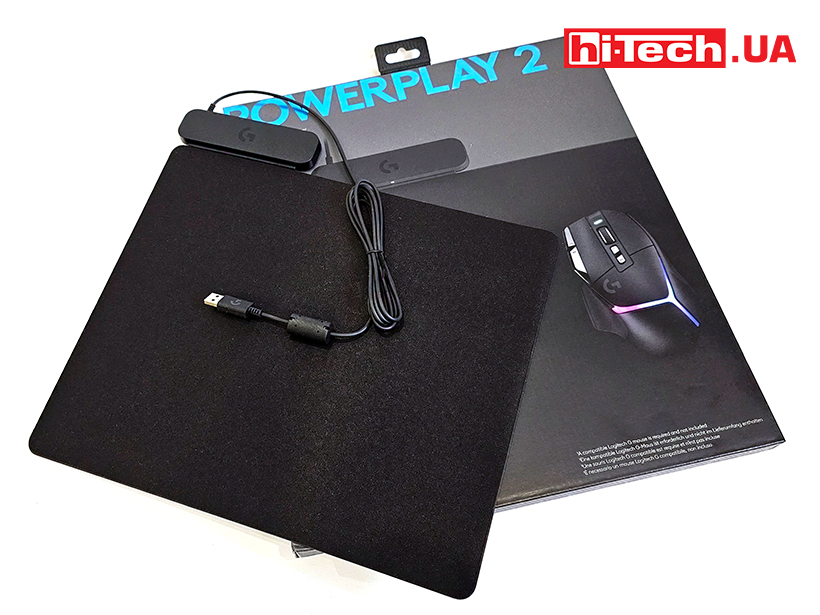
Wireless mice are popular for both work and games. You don’t have to deal with organizing wires and it’s easier to fold such mice for portability. However, it’s very unpleasant when its battery runs out in the middle of the action. You have to quickly look for a cord or new batteries if you’re using standard ones. And that’s fine if the game is single-player and you can pause it. And if it’s an MMO, who knows what will happen in the minutes it takes to get the mouse back in order.
The expected, but not yet very popular solution was wireless charging… built into gaming surfaces. Technologies have made it possible to make such mats quite thin, and most importantly, the mouse can be charged all the time right during operation.
What is Logitech G Powerplay 2
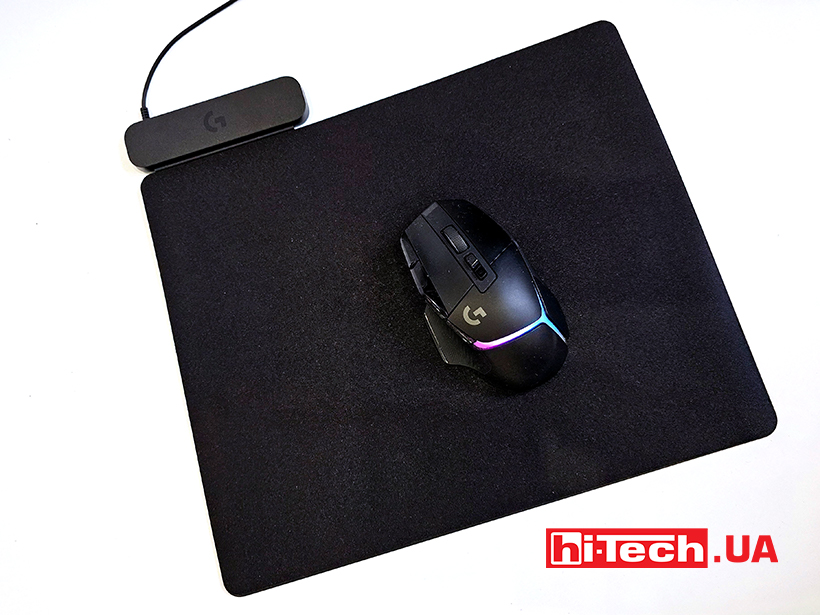
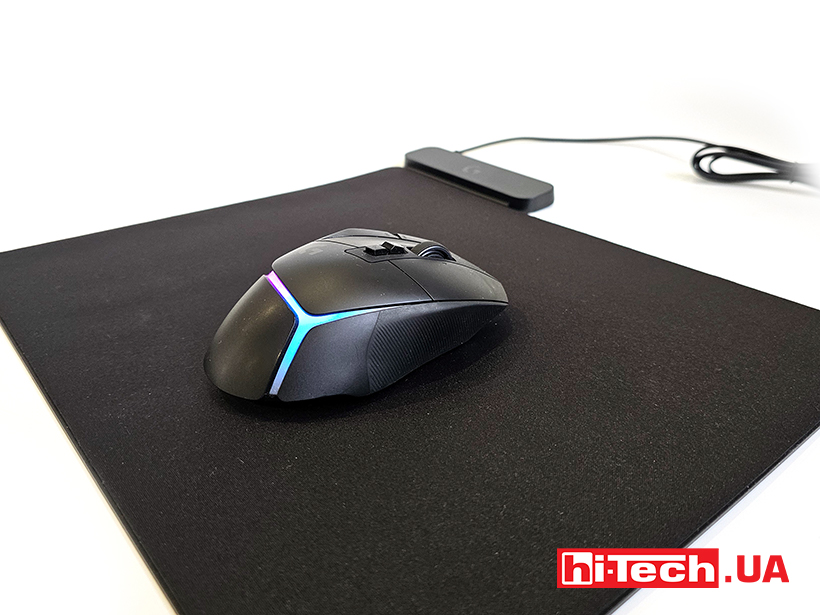
At first glance, the Logitech G Powerplay 2 is a completely ordinary mouse pad. It is average in size, about 34×28 cm. Interestingly, it has a very small thickness – 3.2 mm. Half is a rubber layer, and the other is a fabric overlay.
In the corner on the long side there is a charging control module. Compared to the mat, it is relatively high – 10.5 mm. A cable of just under two meters long goes from it to the computer. On the side it has a small LED. When charging is active and the mouse is charging, it glows.
Of the decorations, there is only the logo of the company’s gaming division – a large letter G in the lower right corner.
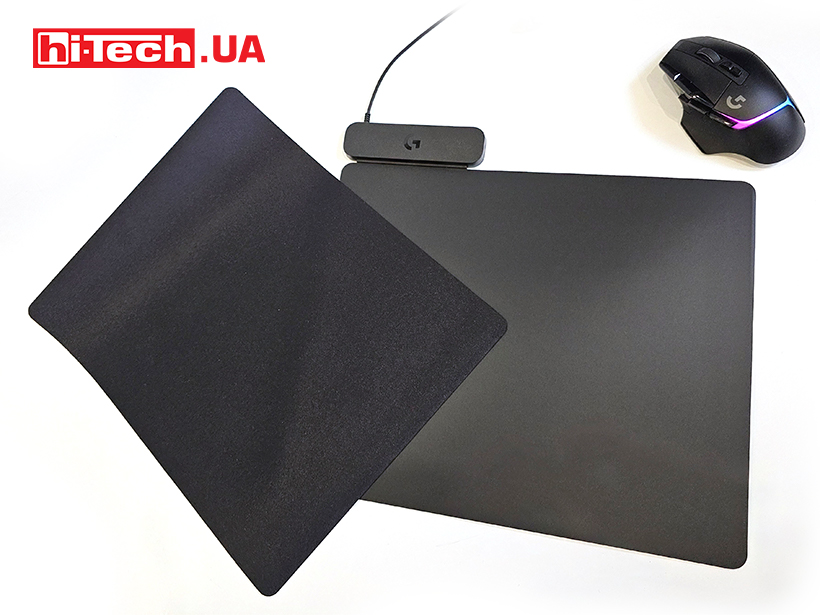
The bottom layer is made of a very sticky material. Not only does it not slip on the table, but it also prevents the removable fabric layer from slipping. The idea of removability is that the player can change the textile surface to a harder option.
How Logitech G Powerplay 2 works
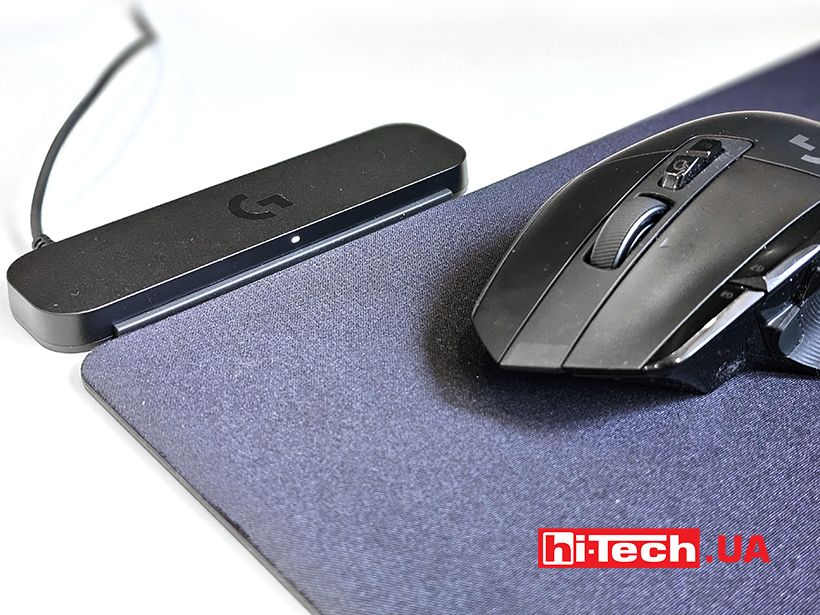
The principle of operation of induction coils is used here. They are installed over the entire area of the mat. We could not find any areas where the mouse would lose contact with the charging.
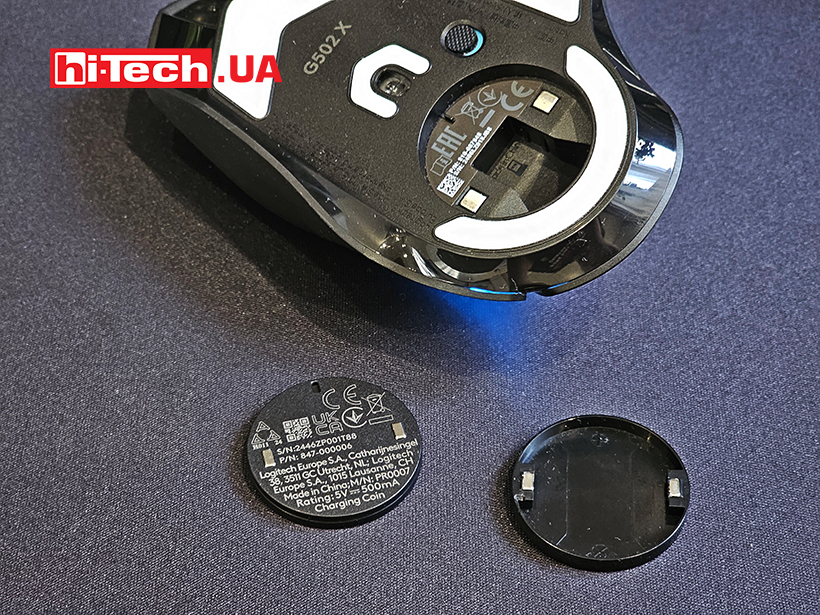
The mouse itself, in turn, must have special contacts. Interestingly, our G502 X initially came with only a plastic pacifier placed in a compartment under the round hatch. For the mouse to work wirelessly, you need to install a Powercore wireless module in response instead of the pacifier. It comes with the mat, not the mouse.
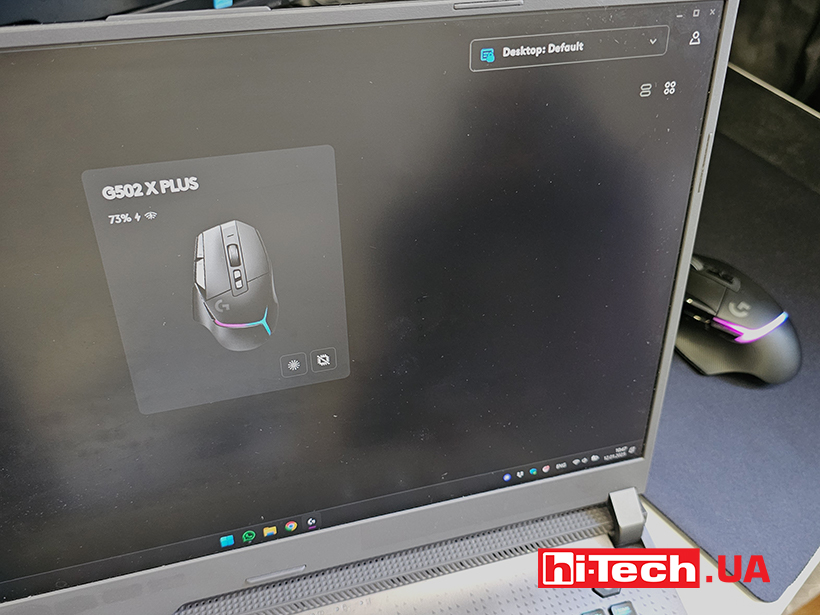
Once the module is installed and the mat is connected to a power source, the mouse can simply be placed on the gaming surface and charging will begin. For example, in the case of the mouse, in addition to the light on the mat, we also see a charging icon in the G Hub software.
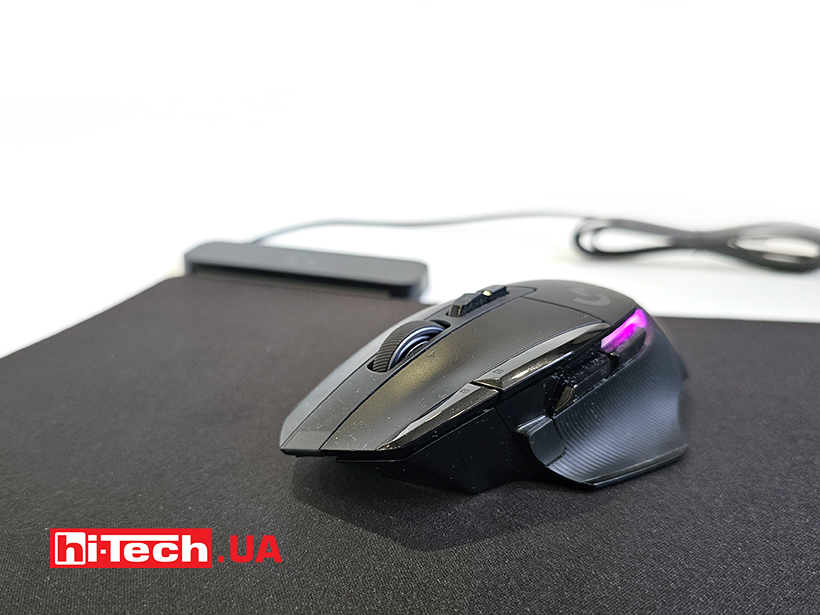
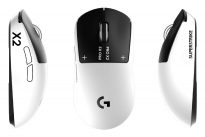
The mat is compatible with the following mouse models of the company: G502 X Plus, G309, PRO 2 Lightspeed, and is also compatible with PRO X Superlight 2, PRO X Superlight, PRO Wireless, G903, G703, G502 X LIGHTSPEED, G502 LIGHTSPEED, G903. We did not have the opportunity to check the compatibility with mice of other brands, but we do not think that there are any restrictions on this feature.
Impressions
In general, the solution of a mat with wireless charging for mice seems quite successful. True, having got rid of one cable, we change it to another – in the mat. Nevertheless, comfort when moving the mouse is also important for gamers, and the cable can reduce it to some extent.
From a technological point of view, the Logitech G Powerplay 2 mat is convenient for home use. It does not slip at all, the fabric layer allows the mouse to move easily. Charging is activated automatically and without failures. When moving the mouse, charging may stop, but it is quickly restored and there are no manifestations that disrupt the gameplay. Although the charging current is not high, constant charging will certainly affect the life of the battery built into the mouse, which is not removable. In general, this is an excellent solution for wireless mice with wireless power support.
Characteristics of the Logitech G Powerplay 2 gaming surface
| Connection: | USB Type-A |
| Cable length: | 1.83 m |
| Dimensions: | 344x284x3. 2 mm |
| Supplier: | Logitech |
| Price: | 6299 UAH |
Rating:
+ charging works over the entire area
-price
Read also:
- Review of the gaming mouse Logitech G502 X Plus: age-old or eternal?
- Review of the keyboard Logitech G PRO X TKL RAPID: fine tuning
- Review of microphones Logitech G: Yeti Orb and Yeti GX models


Don't miss interesting news
Subscribe to our channels and read announcements of high-tech news, tes





Oppo A6 Pro smartphone review: ambitious

 0
0 
Creating new mid-range smartphones is no easy task. Manufacturers have to balance performance, camera capabilities, displays, and the overall cost impact of each component. How the new Oppo A6 Pro balances these factors is discussed in our review.
Poco M8 Pro smartphone review: give us more
0 
Poco M8 Pro 5G immediately catches the eye with its size and the manufacturer’s desire to offer more than you’d typically expect from a device in this price range. It’s not just another mid-range device.
WhatsApp video calls are coming to PC. Similar to Zoom and Google Meet messenger update WhatsApp

WhatsApp has begun a phased rollout of voice and video calling to the web version of the service. The feature is first rolling out to individual chats and is available to a select group of users.
Samsung Galaxy F70e smartphone has Mediatek Dimensity 6300 processor and 6000 mAh battery MediaTek Samsung smartphone

Samsung officially introduced the Galaxy F70e smartphone – a new F series model with a high-capacity battery and a MediaTek processor