

Acer Nitro XF240Y S3 gaming monitor review: best for less
13.09.24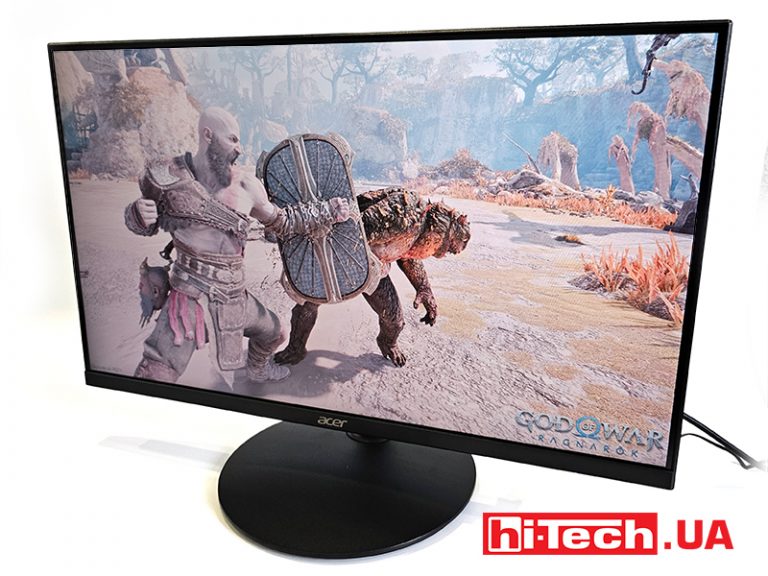
“Affordable gaming devices” was a strange phrase 12-15 years ago. But gradually the game industry became accessible to all wallets. Gamer accessories were originally an example of technical achievements with a bright design. But, like the technologies of the military industry, they have become closer to ordinary users. Somewhere they simplified the materials, somewhere they installed less memory, somewhere they used last year’s sensor. Many people can already buy a gamer-style device. Therefore, we now see a wide range of price classes for all types of devices – from motherboards and video cards, to monitors and laptops. Today we will talk about a budget, but no less interesting representative of gaming monitors from the Acer company.
Acer Nitro XF240Y is a line consisting of four monitor models. Its variability consists in several parameters. Diagonals from 23.8 to 27 inches, IPS or VA matrices, brightness from 250 to 400 cd/m², frequencies from 144 to 180 Hz. At the same time, they all have a matrix response time of 1 ms, Full HD resolution and are equipped with DisplayPort and HDMI ports.
Design
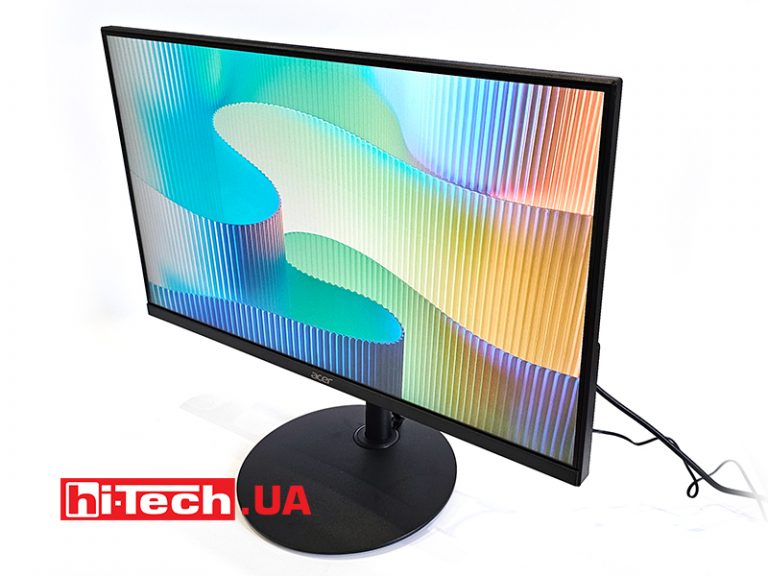
Externally, Acer Nitro XF240Y S3 is a modest monitor and has a minimum of decorative elements. Therefore, like some gaming notebooks with a laconic appearance, it can be used in the office for daily tasks. However, his main specialization is the game.
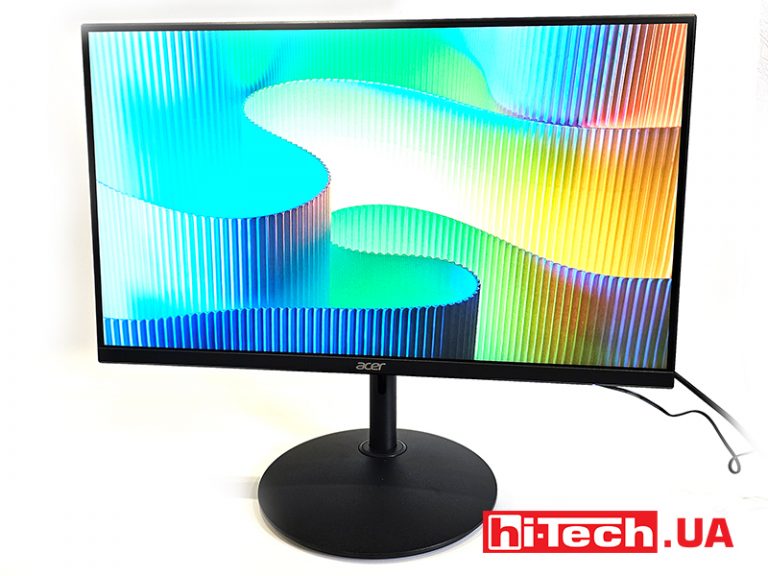
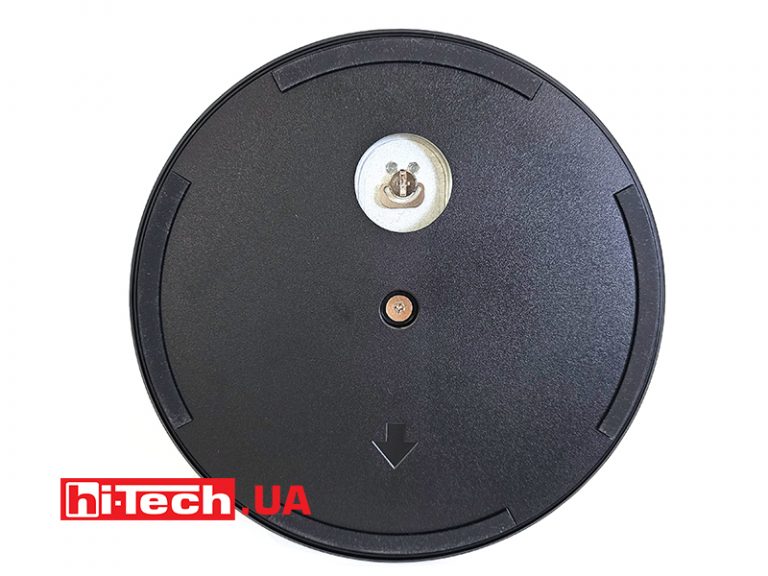
From the front side, we can see a not too thick frame around the display, a rather thin leg on which the monitor itself is attached with several screws, and a minimalist round stand-stand. At the bottom there are screws for attaching the rack, which can be hidden with a duplicate rotating panel.
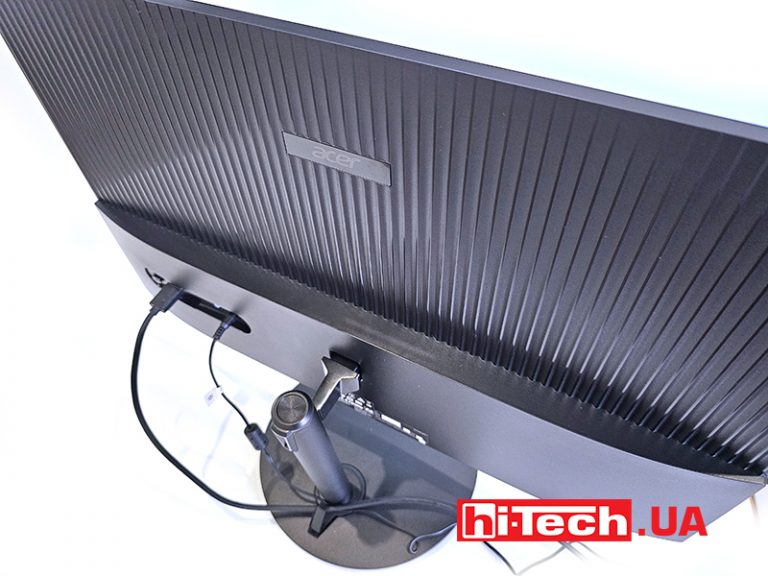
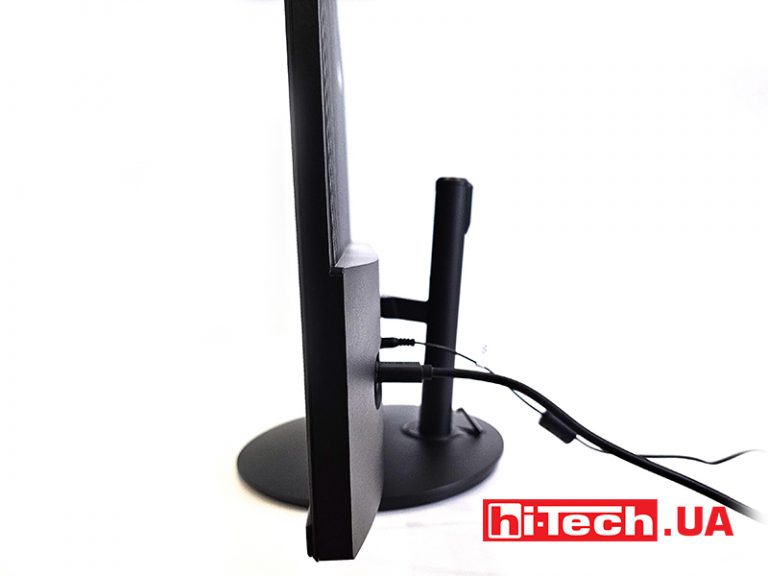
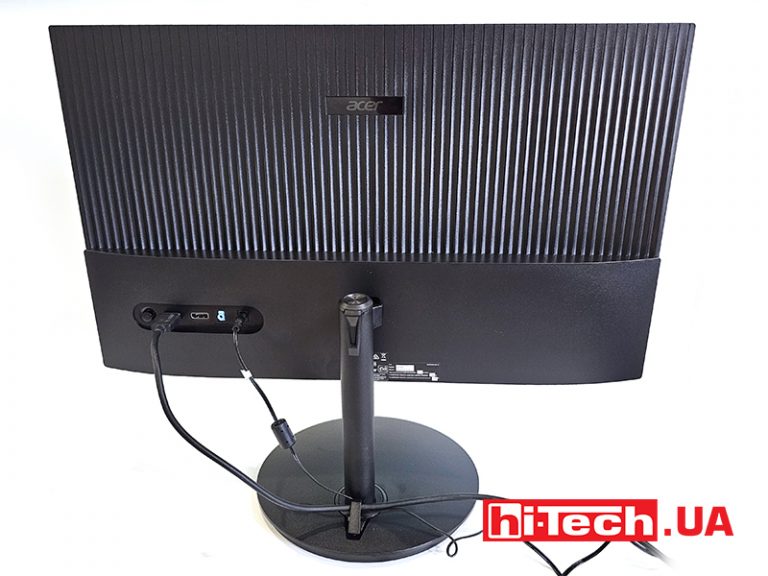
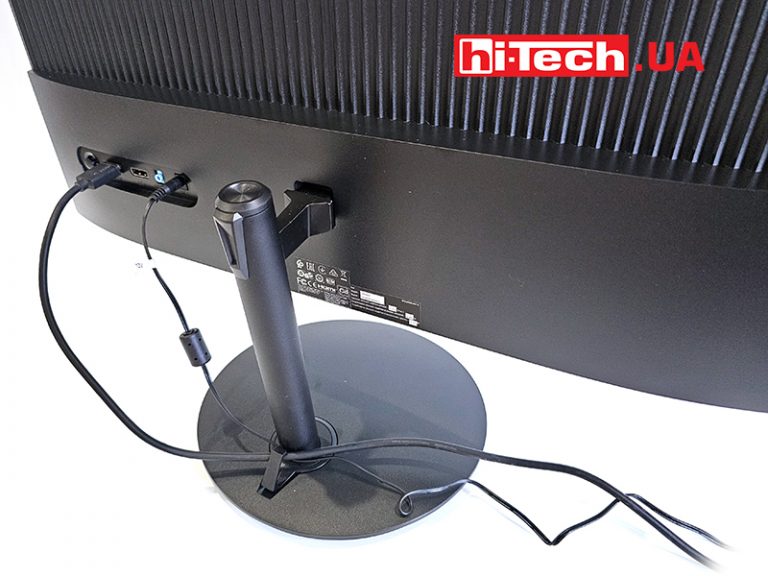
Behind the monitor body is a protrusion that houses a set of connectors.
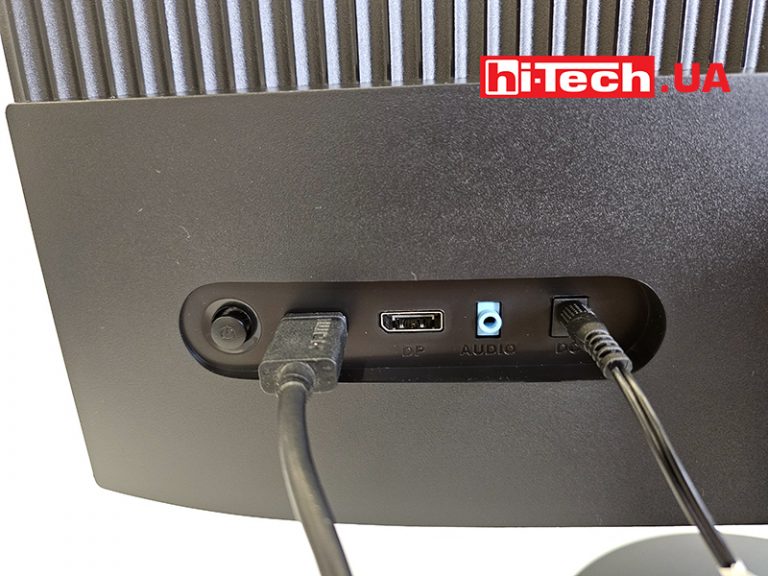
Next to them is a five-position joystick for navigating the settings menu. Above all this, the company logo is placed on the ribbed part of the back panel.
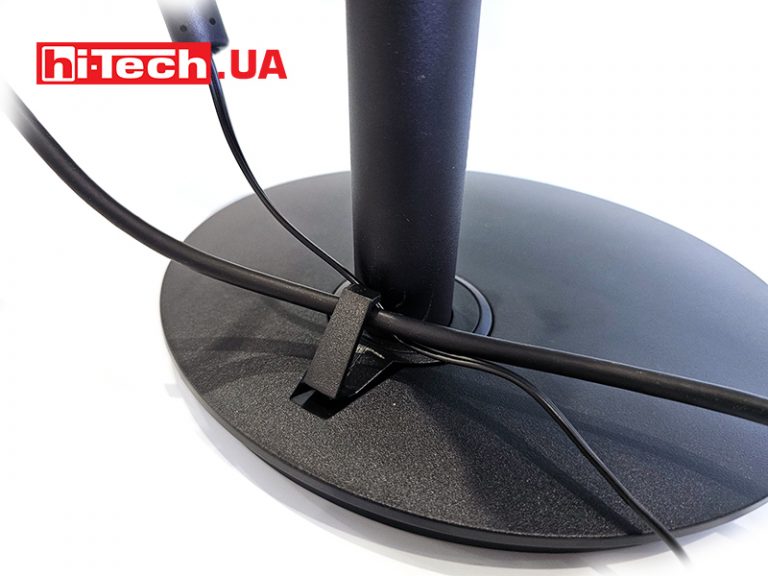
Behind the cylindrical leg is a small clamp for cables to somehow organize them on the table. The leg allows you to adjust the height of the monitor within 100 mm. All the way down and up. This distance is quite enough to find the optimal position in front of the user.
Equipment
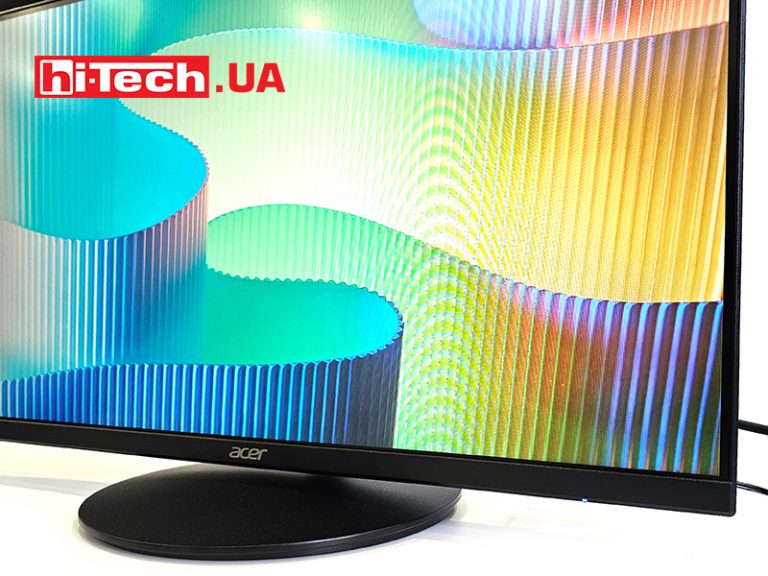
The monitor has a VA technology matrix. It has a classic size of 1920×1080 with a diagonal of 23.7 inches. It is one of the smallest sizes on the market, so for large tables this monitor will not be very comfortable.
Using this type of matrix allows you to get slightly better indicators that will be useful in games. First of all, it is a response of 1 ms, not 4 as in IPS. Also, the monitor boasts an increased brightness of 300 cd/m². There is also AMD FreeSync Premium certification, which accompanies an increased image refresh rate of 180 Hz. In a certain way, this monitor can be called a compact screen doubler of a gaming laptop. It has all the makings to show the gameplay more beautiful and smoother, while not robbing the user’s wallet.
Differences between VA and IPS
I would like to note the difference between VA and IPS separately. The technology of liquid crystal panels with LED lighting occupies a significant part of the market. Matrices based on IPS and VA technologies are among the most common. The main differences are the maximum level of brightness, the depth of black and the slight advantages of the image refresh rate and brightness in VA.
IPS matrices provide better viewing angles due to the horizontal arrangement of crystals, so the viewing angles of monitors with them are slightly better. In turn, VA-matrices with vertical arrangement of crystals provide deeper black color and high contrast.
Impressions
Acer Nitro XF240Y S3 is the average representative of the line of these monitors and the top among the diagonals of 23.8 inches. It differs from the younger version with the M3 console by a brighter screen.
From the point of view of design, this is a universal option that is well suited for both the office and home. Additional accessories with lighting will only decorate the workplace with it. From an ergonomic point of view, the monitor can be placed on a standard small table. It will also allow you to organize a minimal control cable. The ability to adjust the height is a nice addition if you have to have the monitor at your disposal in some specific way.
From a technical point of view, it has a good matrix, tested for years and improved compared to the first generations of technology. At least this applies to refresh rate and response time. Among the ports is the required minimum connection to the source. There is both classic HDMI and Display Port, which will allow you to get all 180 Hz, while the former is limited to 120 Hz.
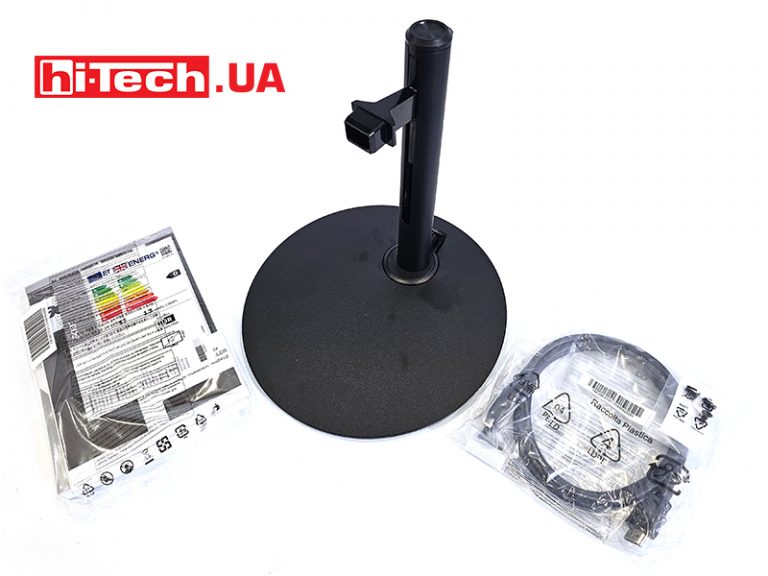
Along with this, an addition in the form of AMD FreeSync Premium certification and a regular, but not truncated set with the necessary cables, Acer Nitro XF240Y S3 (UM.QX0EE.301) can be called one of the most successful budget gaming monitors.
Features Acer Nitro XF240Y S3 (UM.QX0EE.301)
| Diagonal, frequency: | 23.8” (60.5 cm), 180 Hz |
| Permission: | 1920×1080, 16:9 |
| Matrix: | VA |
| Backlight: | LED |
| Contrast: | 100,000,000:1 |
| Response time: | 1ms |
| Brightness: | 300 cd/m² |
| Inputs: | 1×HDMI 2.0, Display Port 1.4, audio 3.5 mm, DC |
| Tilt adjustment: | no |
| Additionally: | AMD FreeSync Premium, HDMI cable included |
| Built-in speakers: | no |
| VESA | 75×75 |
| Dimensions with stand: | 542×323×38.5mm |
| Weight: | 3.58 kg |
| Provider: | Representation of the company Acer in Ukraine |
| Price: | $112 |
Rating:
+ increased scanning frequency
+ a sufficient range of height selection
+ price
Read also:
- Monitor review Acer Predator X27U: Achilles?
- Monitor review ASUS VU279CFE-M: nice
- Monitor review ASUS VG249QL3A: good in everything


Don't miss interesting news
Subscribe to our channels and read announcements of high-tech news, tes





Oppo A6 Pro smartphone review: ambitious

 0
0 
Creating new mid-range smartphones is no easy task. Manufacturers have to balance performance, camera capabilities, displays, and the overall cost impact of each component. How the new Oppo A6 Pro balances these factors is discussed in our review.
Oppo Reno16 Pro 5G smartphone review: well-heeled
0 
Oppo Reno16 Pro 5G looks like a balanced smartphone, in which the manufacturer tried not to make a single characteristic the defining one. It has many advantages. Let’s tell you what
Garmin Releases Critical Firmware Update to Fix Display Glitches

Garmin has released software version 17.39 for popular watch models, including the Forerunner, Venu, and Vivoactive lines. The patch addresses display bugs and fixes gesture recognition issues.
Watch the Sony Xperia 10 VIII Reveal Live: Stream Link
Where and when to watch the presentation of the newest Sony Xperia 10 VIII smartphone, which will complement the company’s flagship series.