

Maximum FAT32 partition size in Windows 11 now is 2TB, but files are still limited to 4GB
19.08.24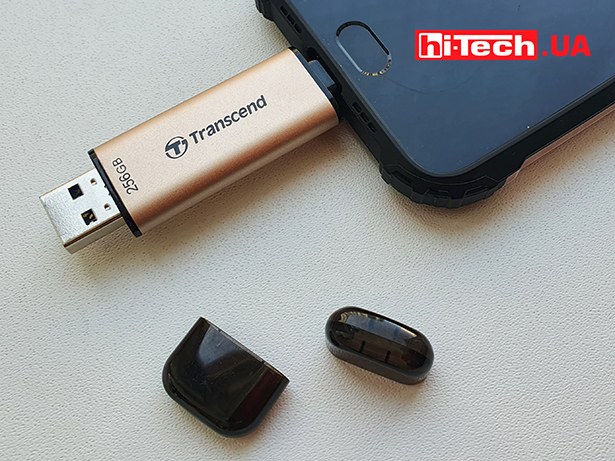
Microsoft has announced that Windows 11 has removed the FAT32 partition size limit, which has now been increased from 32GB to 2TB. This change concerns the use of the command line to format disks, while the format interface through a graphical shell still retains the former limit. The 32GB limit was introduced back in Windows 95 and has remained unchanged for over 30 years due to concerns about “cluster slack”.
Users can now create FAT32 partitions up to 2TB without the need for third-party software. However, the individual file size limit of 4 GB for FAT32 remains relevant.
Although the FAT32 file system is less commonly used than exFAT, it is still relevant for working with older devices that require the use of USB drives or SD cards formatted specifically in FAT32. In this regard, it is expected that in future Windows 11 updates, the formatting GUI will also be adapted to support the new partition sizes.
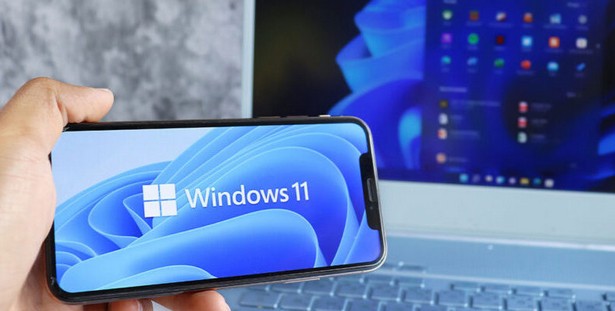
Previously, Microsoft started test a new way of interacting with Android smartphones through Windows Explorer 11. The feature, available to members of the Windows Insider program, allows you to wirelessly browse folders and files on Android devices.
Integration into Explorer makes the Android device visible as a regular USB device in the left panel. It makes it easy to copy, move, rename and delete files between PC and Android phone. It’s much faster and more convenient than using the Phone Link app.
This feature requires a device running Android 11 or later, participation in the Windows Insider program, and the beta version of the Link to Windows program. Access to the new feature is available to all four Windows Insider channels, including Release Preview, indicating a high level of feature readiness. All Windows 11 users are expected to be able to take advantage of this feature soon.
To enable the new feature in Explorer, go to Options > “Bluetooth and devices” > “Mobile devices” and select the “Manage devices” section. There will be a switch to enable access through Explorer, along with other options like notifications and camera access.
Don't miss interesting news
Subscribe to our channels and read announcements of high-tech news, tes

Oppo A6 Pro smartphone review: ambitious

 0
0 
Creating new mid-range smartphones is no easy task. Manufacturers have to balance performance, camera capabilities, displays, and the overall cost impact of each component. How the new Oppo A6 Pro balances these factors is discussed in our review.
Logitech G G325 headphones review: reliable and long-lasting
0 
Logitech G has released a new gaming headset that offers good ergonomics, stable connectivity, and high battery life at a very affordable price. Let’s talk about the Logitech G G325 in more detail
WordPress.com adds AI-powered assistant for editing design and content artificial intelligence internet WordPress

WordPress.com, owned by Automattic, is expanding its use of AI tools. The previously introduced generative site builder has been transformed into a permanent assistant that works directly in the editor
New Google Pixel 10a smartphone is not much different from its predecessor Google smartphone

New Google Pixel 10a features a 6.3-inch Plastic OLED display with a 120Hz refresh rate, a resolution of 2424×1080 pixels, and a peak brightness of up to 2000 nits.