

NVIDIA App beta review: more than marketing?
08.03.24
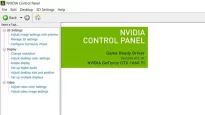
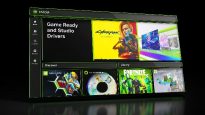
NVIDIA programs, drivers and technologies have always been well-known and in demand among gamers. At least because without them there would be no games. But seriously, because the Control Panel and GeForce Experience were the very connection between hardware, software and the user himself. At the same time, these programs had their drawbacks, such as slow loading and overloaded interface. They say a single NVIDIA application should be a breath of fresh air – solve all problems and improve the performance of hardware and programs. Let’s take a look at what’s new in the NVIDIA App and why this update could herald an expansion of the eco-system.
Why is this an important update?
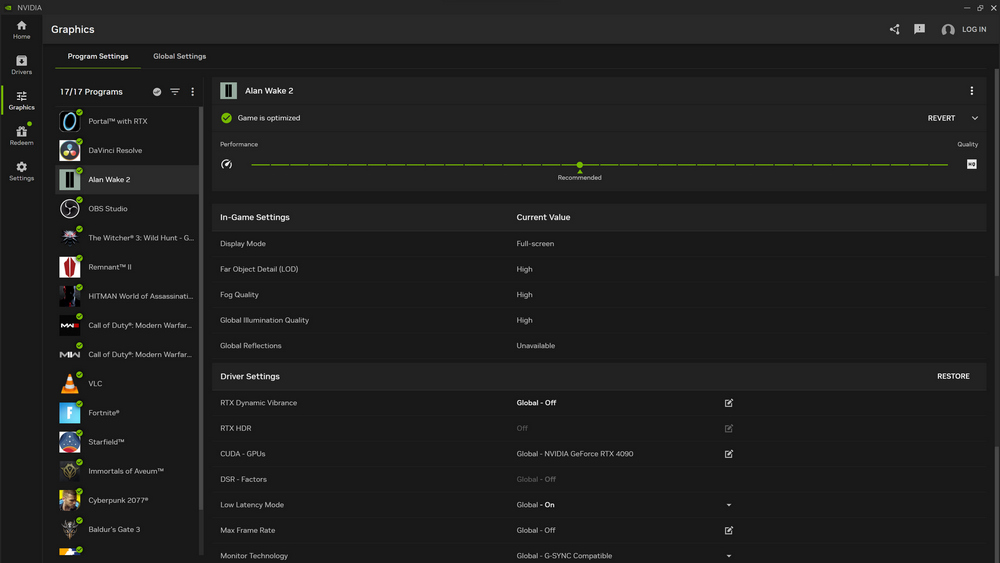
Firstly, even the beta version of the NVIDIA application launches very quickly compared to its predecessors. The new application is claimed to be 50 percent more responsive than GeForce Experience, while at the same time taking up 17 percent less hard drive space.
Secondly, the redesigned interface is very logical in layout. The necessary settings can be found quickly and poking into different menus so that the necessary ones are no longer required.
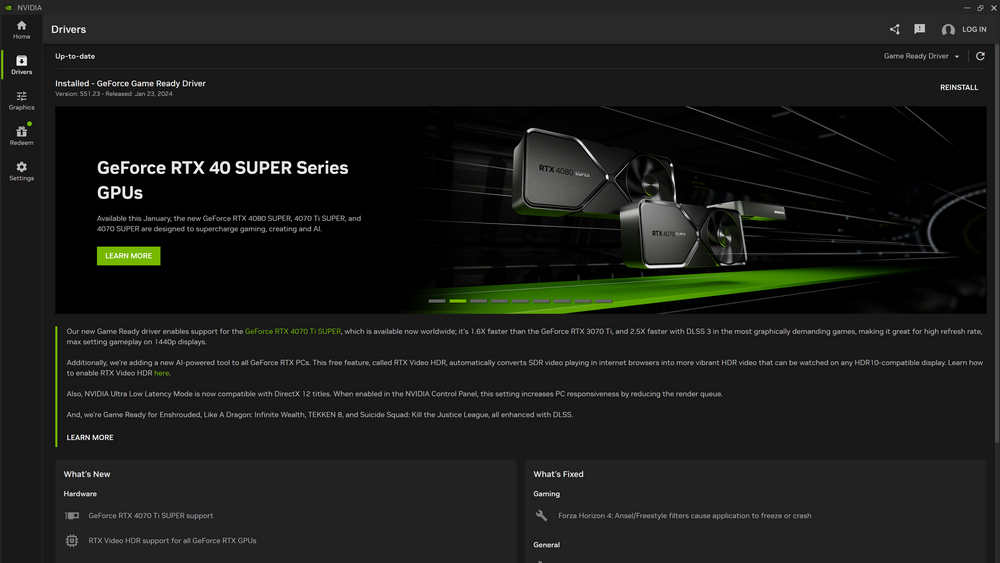
Thirdly, there is no longer a mandatory login to make basic settings. Oh yes, finally! At one time, when the company added the need to log in to download drivers, it wasn’t even funny.
Not just for enthusiasts
Digging into the settings, choosing the optimal values, launching the game, getting 20 frames per second with a top-end video card – all this is from the realities of the settings. NVIDIA has added an automatic setup feature that checks your hardware with one click and suggests game settings for your entire library. After testing, the optimization surprised us – we actually got a stable frame rate without tedious manual adjustments through trial and error.
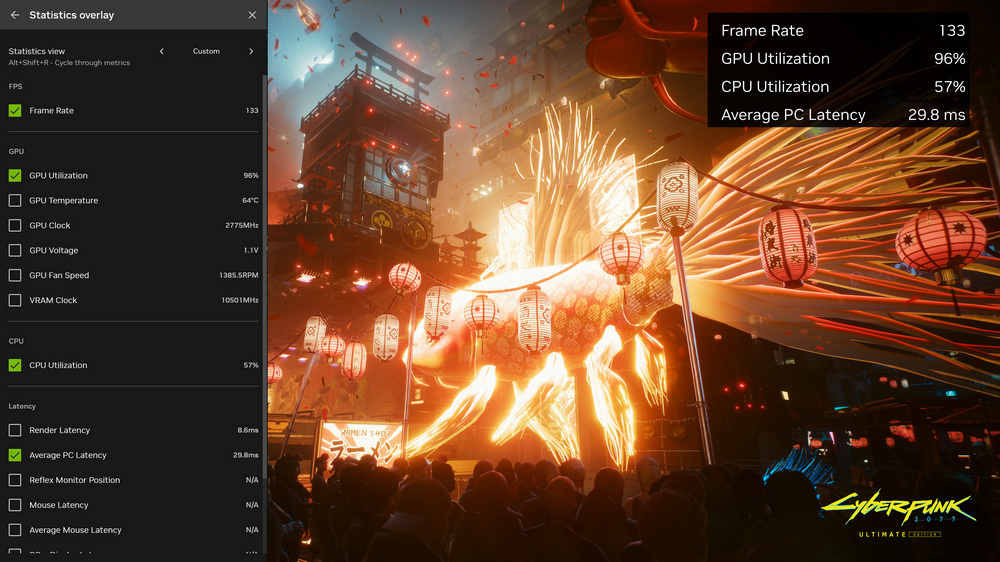
The GeForce Experience performance metric overlay has also changed. The statistics overlay shown in the screenshot below not only tracks various rendering metrics, but also in-game rendering latency and overall PC latency.
RTX Dynamic Vibrance allows you to customize in-game graphics and color profiles individually. If you have an HDR-capable monitor, the RTX HDR feature will calibrate for HDR-capable games.
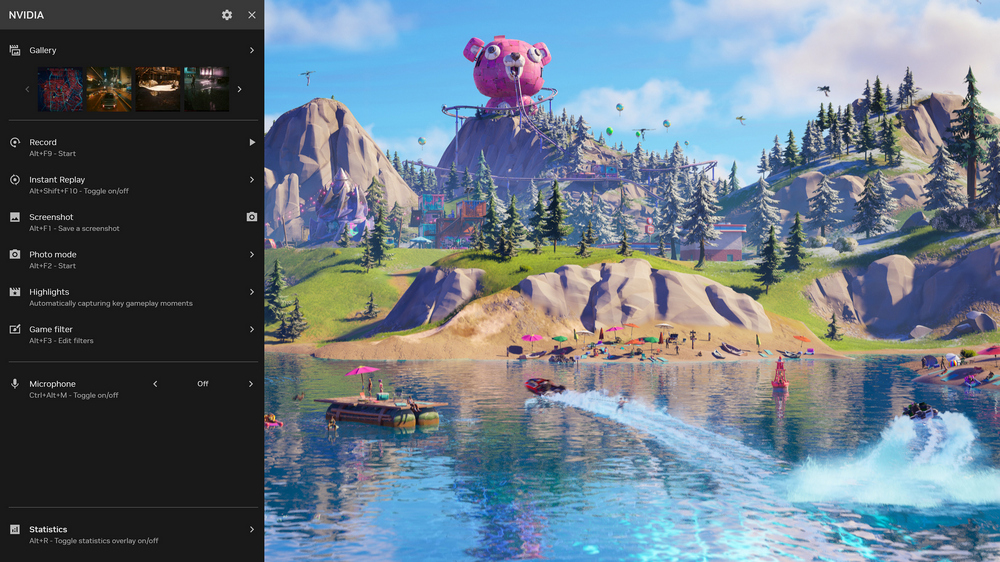
With NVIDIA ShadowPlay, gameplay can be recorded in HDR up to 8K at 30 frames per second, with highlights automatically recognized and saved. Finally, NVIDIA has integrated GeForce Rewards into the new app, allowing users to earn exclusive in-game rewards.
NVIDIA says it will eventually integrate all Control Panel features into this new app, including display and video settings, GPU overclocking, and driver rollbacks.
However, not all features will be carried over. NVIDIA is removing live streaming on Twitch and YouTube, image and video sharing on Facebook and YouTube, as well as 360 photo mode and stereo captures. The hype of social networks and sharing everything seems to be fading away.
NVIDIA App in beta impressions
It looks like NVIDIA has finally found a balance between settings and ease of access. Of course, this is a beta version, so there may be some glitches and glitches here and there, but the bulk of the experience is surprisingly polished. This looks to be the future of NVIDIA’s PC software suite. You can download the beta version of NVIDIA App from official website page. For now, the original utility is also available. GeForce Experience can still be downloaded from the website or updated by running the current version of the program.

Don't miss interesting news
Subscribe to our channels and read announcements of high-tech news, tes




Oppo A6 Pro smartphone review: ambitious

 0
0 
Creating new mid-range smartphones is no easy task. Manufacturers have to balance performance, camera capabilities, displays, and the overall cost impact of each component. How the new Oppo A6 Pro balances these factors is discussed in our review.
Oppo Reno16 Pro 5G smartphone review: well-heeled
0 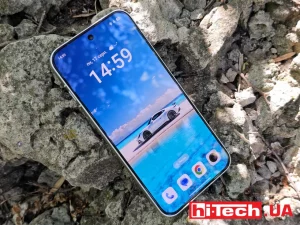
Oppo Reno16 Pro 5G looks like a balanced smartphone, in which the manufacturer tried not to make a single characteristic the defining one. It has many advantages. Let’s tell you what
Xiaomi Xring O3: A Deep Dive Into the Chip With Next-Gen Power Efficiency
The Xiaomi Xring O3 processor promises a two-generation leap in energy efficiency. Learn all the details about the new architecture, performance tests, and design features of the flagship chip.
Samsung Galaxy S26 FE Launch: Where to Watch and What to Expect

Samsung is preparing to host a major event dedicated to the launch of new Galaxy series devices. The main highlight will be the long-awaited announcement of the Samsung Galaxy S26 FE smartphone.