

Google Gemini Live AI now supports Ukrainian language
22.11.24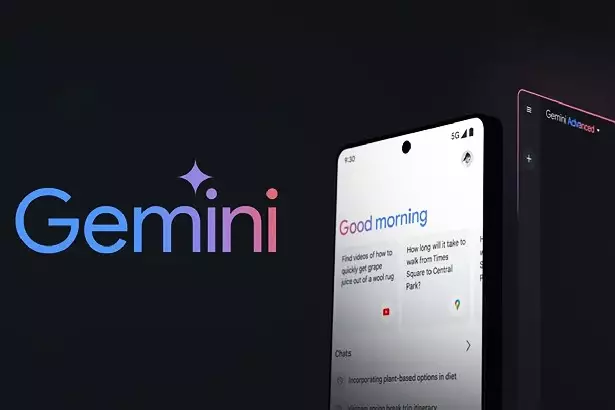
Google has provided support for Gemini Live in Ukrainian. The feature is already available on Android and will soon appear on iOS. To activate the Ukrainian language, you need to update the Google application to the latest version, go to settings, select the “Language and region” item and set Ukrainian. After that, the function will become available for use.
Gemini Live helps you perform many tasks. For example, you can add an appointment to your calendar, find the necessary document or recipe, plot a route in Google Maps, ask for weather recommendations or find an educational video on YouTube. The system integrates with other Google applications, making it a universal assistant in everyday affairs.
Support for the Ukrainian language in Gemini Live emphasizes Google’s desire to take into account the local needs of users. The company plans to further develop the function, improving its performance and adding new features to make it even more convenient and efficient.
How to set up Gemini Live in Ukrainian
To enable this feature, follow these steps:
- Update the Google app. Make sure your device has the latest version from the Play Store (for Android) or App Store (for iOS).
- Set your language. In the Google settings section, select “Language & region”, and then set the Ukrainian language.
- Activate Gemini Live. Enable the feature in the appropriate section of the app and it will become available for use.
- Permissions. Grant Google access to the necessary applications so that the AI can integrate with your account.
Don't miss interesting news
Subscribe to our channels and read announcements of high-tech news, tes

Oppo A6 Pro smartphone review: ambitious

 0
0 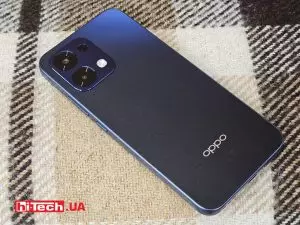
Creating new mid-range smartphones is no easy task. Manufacturers have to balance performance, camera capabilities, displays, and the overall cost impact of each component. How the new Oppo A6 Pro balances these factors is discussed in our review.
Oppo Reno16 Pro 5G smartphone review: well-heeled
0 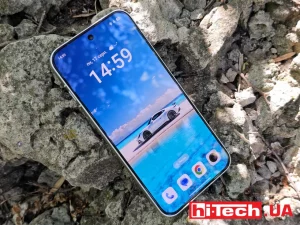
Oppo Reno16 Pro 5G looks like a balanced smartphone, in which the manufacturer tried not to make a single characteristic the defining one. It has many advantages. Let’s tell you what
First Foldable iPhone Ultra: MagSafe Support Details Surface

Apple is expected to unveil its first foldable smartphone, the iPhone Ultra, at a September 9 event. Insiders confirm the integration of MagSafe technology and share details regarding the device’s design and display.
Danger in the Driver’s Seat: Waymo and Zoox Robotaxis Surface with Brake-Related Injuries

Dozens of robotaxi test drivers have been injured due to flaws in autonomous driving systems. The primary culprit is erratic emergency braking, which has led to significant neck and back injuries.