

Google Gemini Live AI now supports Ukrainian language
22.11.24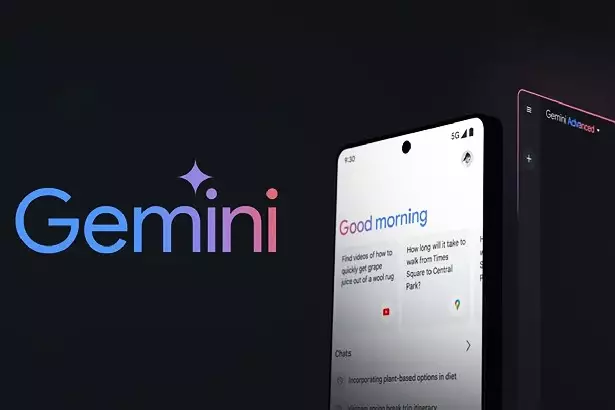
Google has provided support for Gemini Live in Ukrainian. The feature is already available on Android and will soon appear on iOS. To activate the Ukrainian language, you need to update the Google application to the latest version, go to settings, select the “Language and region” item and set Ukrainian. After that, the function will become available for use.
Gemini Live helps you perform many tasks. For example, you can add an appointment to your calendar, find the necessary document or recipe, plot a route in Google Maps, ask for weather recommendations or find an educational video on YouTube. The system integrates with other Google applications, making it a universal assistant in everyday affairs.
Support for the Ukrainian language in Gemini Live emphasizes Google’s desire to take into account the local needs of users. The company plans to further develop the function, improving its performance and adding new features to make it even more convenient and efficient.
How to set up Gemini Live in Ukrainian
To enable this feature, follow these steps:
- Update the Google app. Make sure your device has the latest version from the Play Store (for Android) or App Store (for iOS).
- Set your language. In the Google settings section, select “Language & region”, and then set the Ukrainian language.
- Activate Gemini Live. Enable the feature in the appropriate section of the app and it will become available for use.
- Permissions. Grant Google access to the necessary applications so that the AI can integrate with your account.
Don't miss interesting news
Subscribe to our channels and read announcements of high-tech news, tes

Oppo A6 Pro smartphone review: ambitious

 0
0 
Creating new mid-range smartphones is no easy task. Manufacturers have to balance performance, camera capabilities, displays, and the overall cost impact of each component. How the new Oppo A6 Pro balances these factors is discussed in our review.
Oppo Reno 15 5G smartphone review: confident
0 
The Oppo Reno15 smartphone emphasizes design, a high-quality display, versatile cameras, and good battery life. Let’s take a closer look.
HP: Memory and storage now cover third of the PC cost business HP memory drive ram

If in 2025 the cost of memory and storage devices accounted for 15-18% of the total cost of components, now the figure is approaching 35%.
Starlink Mobile 5G will provide connection speeds of 150 Mbps even in the Arctic internet SpaceX

SpaceX is preparing to launch its global 5G-enabled Starlink Mobile service. The US Federal Communications Commission (FCC) has approved the launch of up to 15,000 direct-to-cell (D2C) satellites.