

Free Microsoft Office has ad support and limited features
27.02.25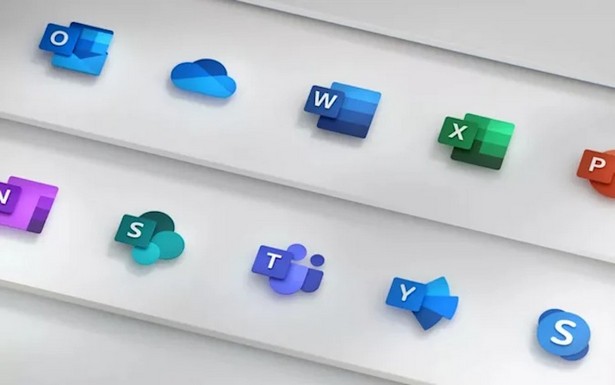
Microsoft has introduced a free desktop version of Office with ads. The company has launched a new version of Microsoft Office that allows you to use Word, Excel and PowerPoint for free without a subscription or one-time payment. However, the package works with a number of limitations.
The free Microsoft Office is only available for Windows and contains advertising banners on the right side of the screen. In addition, a 15-second video ad is played every few hours.
Documents can only be stored in the OneDrive cloud storage (5 GB free), and local storage is not available. There is also no support for add-ins, watermarks and advanced data analysis.
How to install free Microsoft Office
- Download the installation file from the official Microsoft website.
- Run the installation and wait for the package to download.
- Open Word, Excel, or PowerPoint and click Skip for now in the pop-up window.
- Confirm using the free version by selecting Continue for free.
- Specify Save to OneDrive as the file save location.
This move by Microsoft can be seen as a way to offer an alternative to the web version of Office, but with OneDrive integration and advertising restrictions.
Don't miss interesting news
Subscribe to our channels and read announcements of high-tech news, tes

Oppo A6 Pro smartphone review: ambitious

 0
0 
Creating new mid-range smartphones is no easy task. Manufacturers have to balance performance, camera capabilities, displays, and the overall cost impact of each component. How the new Oppo A6 Pro balances these factors is discussed in our review.
Oppo Reno 15 5G smartphone review: confident
0 
The Oppo Reno15 smartphone emphasizes design, a high-quality display, versatile cameras, and good battery life. Let’s take a closer look.
Windows 11 will get a built-in Internet connection speed test, but there is caveat internet Microsoft Windows

Microsoft is preparing a new feature for Windows 11 that will allow you to check your Internet connection speed without resorting to third-party services
Google Chrome browser will be able to open two tabs in one window browser Chrome Google update
Split View in Google Chrome allows you to place two tabs side by side within a single browser window, without having to open additional windows or constantly switch between pages.