

What to do with a Huawei smartphone without Google services?
27.05.20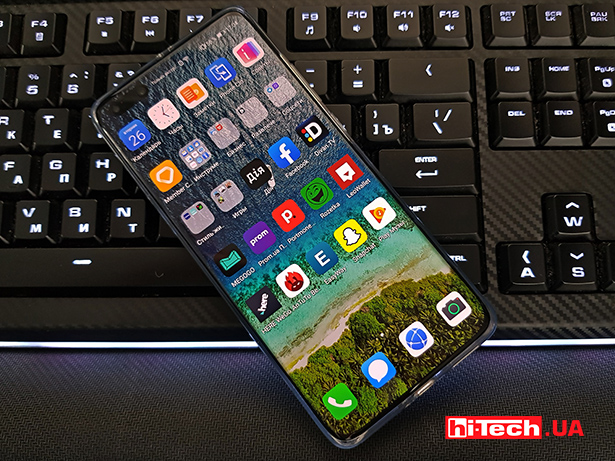
Let’s try to figure out whether Huawei has everything to compete with other Android smartphones and what threatens isolation from the search giant’s services? Before reading, it is important to understand that the situation is changing quickly and everything that we write about in the second half of the text regarding options for missing software can be implemented or solved more easily within a week or two after publication.
Technical introduction
In recent years, the smartphone market has been experiencing strong changes. Perhaps they cannot be compared in scale with the release of the Android OS at one time, which made smartphones available to all manufacturers and users. Nevertheless, the current technical situation is precisely connected with this period.
Google has created not only the interface, but also the infrastructure surrounding it – GMS (Google Mobile Services) for developers related to notifications, over-the-air updates, synchronization, security policies, and more. However, for the most part, this only applies to applications from the search giant itself and programs that use any other Google services. Having an Android kernel alone is not enough for a smartphone to work.
Without the search giant’s services installed in the smartphone’s firmware, it is not enough to simply download the APK file of the program manually. And no matter what they say in official speeches, Google continues to promptly block all emerging loopholes for uncertified devices. This is about the technical context.
The beginning of the story
In light of events related US sanctions against China , Huawei has lost access to GMS. All American companies are prohibited from interacting and doing business with it, as well as a number of other Chinese companies.
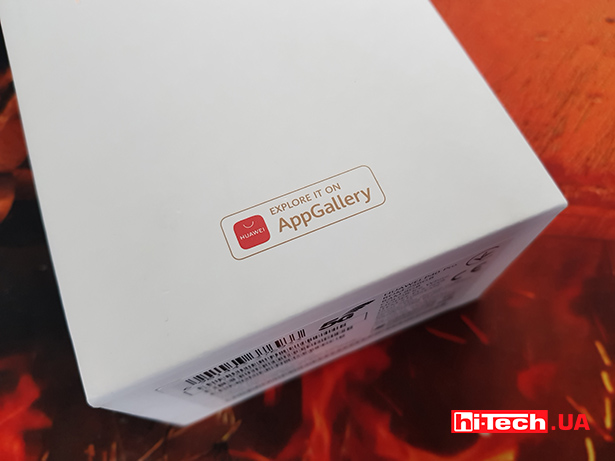
Events unfolded at the beginning of 2019 and when the outcome became clear, already in October of the same year Huawei announced the launch of its HMS (Huawei Mobile Services) services. At the same time, the filling of the AppGallery application store was accelerated, with an investment of $1 billion. You need to understand that this was not just the creation of another “market with programs”, but a full-fledged competitor to the application stores from Apple and Google. AppGallery logos will increasingly appear on the boxes of devices, such as headphones.
Even though Android is used, developers cannot simply copy an application from one market to another. There are applications that depend on Google services, and there are stand-alone ones. As an example, the latter include Facebook with its social networks. network, WhatsApp, Instagram and Microsoft with all its office suite.
But if the application was originally created with GMS components, then developers need to adapt it to HMS. Moreover, sometimes the functionality is partially related to Google services, for example, Google Maps is used, which will not work on Huawei smartphones. There’s not much point in using a taxi app that can’t find a client on maps.
Does Huawei have everything?
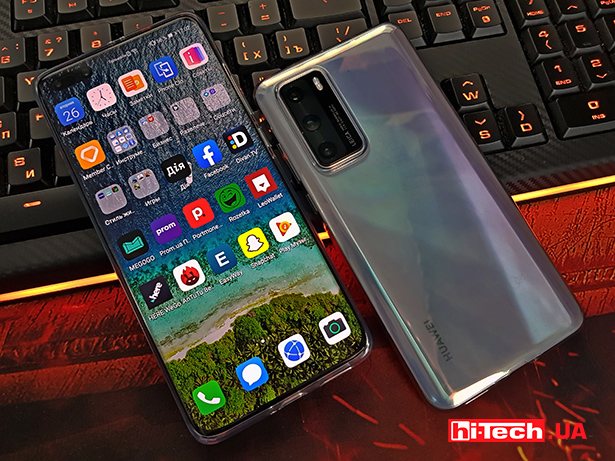
Initially, all Huawei smartphones with the EMUI 10 shell are equipped with a standard set of programs. There is a browser, mail, messages, camera, calendar, notepad, alarm clock, gallery, weather, calculator, health, voice recorder, file manager and even the SwiftKey keyboard from Microsoft. Now, many applications have been added to AG, and although the company is trying to fill all the gaps, it is tedious to understand that adding all the popular ones simply takes time.
It seems that this is a stalemate, but in fact, insurmountable difficulties will arise only if you are a fanatical adherent of Google services and cannot imagine life without letters from Gmail (no third-party clients), texts/tablets/presentations from Docs, storing files in Drive, music from YouTube Music or Play Music and communicate exclusively in Hangouts.
But the problem is more real and pressing – contactless payment via NFC. Google Pay, of course, also does not work on Huawei smartphones. But according to rumors, this will be decided in the near future. Still, our users turned out to be ardent fans of attaching smartphones and smart watches to the terminal. Therefore, our own service for contactless payment with Huawei smartphones in Ukraine is just around the corner. Another thing is how all this will work abroad, where another intermediary may be responsible for the operation of financial services. Only time will tell here.
Specific examples
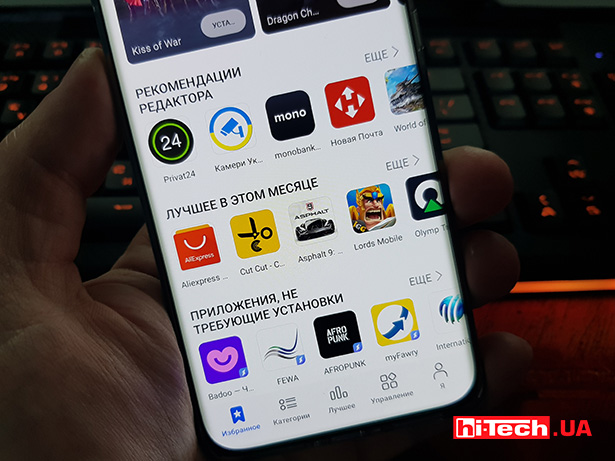
There is no need to be afraid of limited choice in applications. As a demonstration, here is a list of applications that are already inAppGalleryat the end of May 2020and which still work perfectly on Huawei smartphones:
- Messengers: Telegram, Viber, SnapChat
- Maps: Here, EasyWay, Maps.Me, Navitel, Moovit, Osmand, surprisingly, Waze also works
- Working for every day: Opera, Nova Poshta, WPS Office, Microsoft Office, Microsoft Translator, TeamViewer, Zoom
- Entertainment: Megogo, Divan TV, Deezer, Okko, Oll.tv, TikTok for goodness sake, BiP
Tools, conditionally, various, for occasional use: Vodafone, lifecell, OLX, Kabanchik, TP-Link Tether, Speedtest, Exist, Ria, FBReader, Booking, Ryanair, Aliexpress, Prom, Alibaba, Amazon + local retail networks
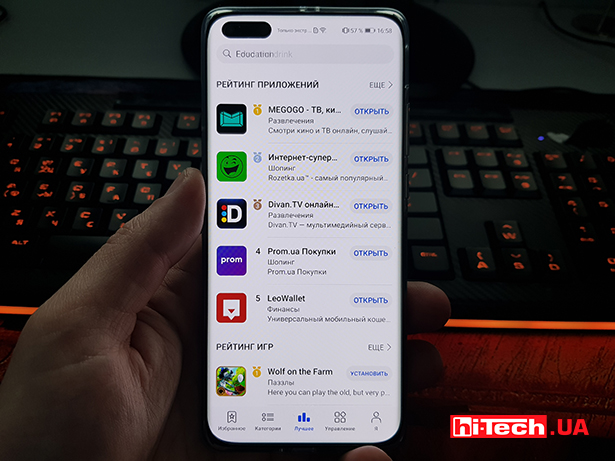
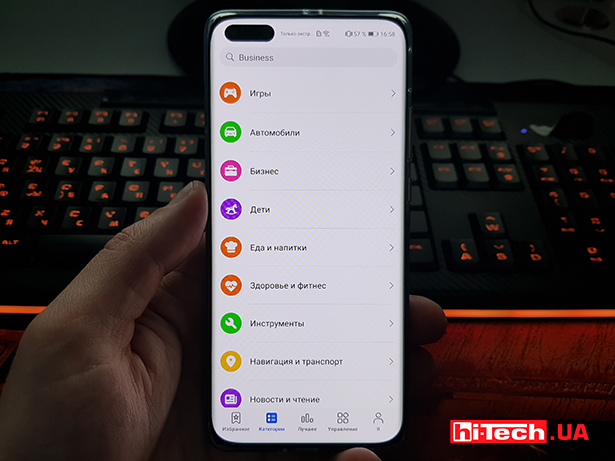
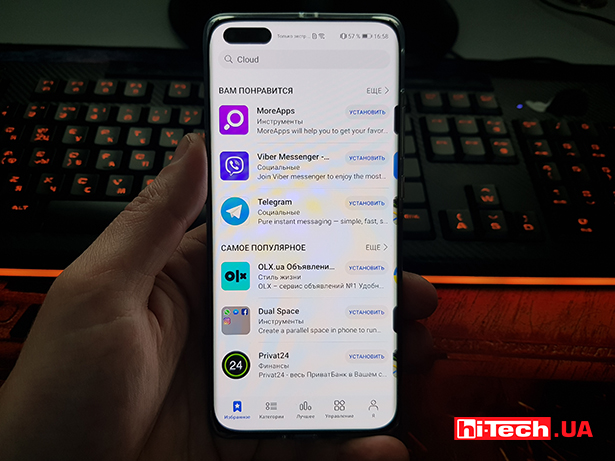
Client banks that AG already has are some of the most necessary services for Ukrainian users: monobank, Privat24, Raiffeisen, OTP, Ukrsib, Portmone, Oschad 24/7, Alfa Bank, IdeaBank
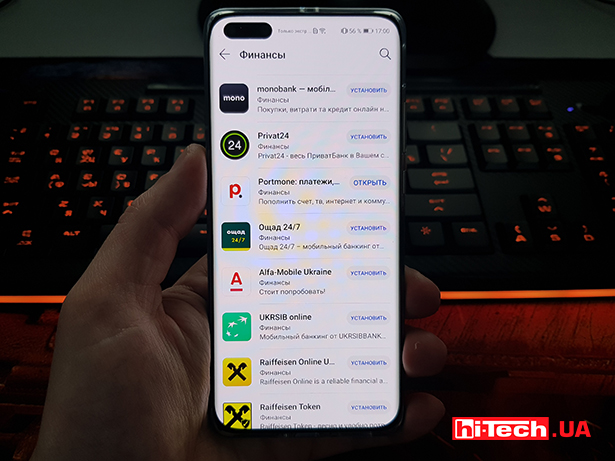
Note that there are also a few strange applications such as horoscope reference books, nature sounds, collections of free books, VPN services and GPS trackers, which raise concerns about the security of their data.
Some services are quite suitable for working through a browser, for example, Google Drive and Google Photo. And to synchronize and restore data from Huawei smartphones, you can use the company’s own cloud. You can also store contacts, photos, files, voice recorder recordings and notes from a notepad there. All logins and passwords are relevant if you have previously registered in the system with Huawei ID.
Finally, there are alternative program directories that show whether an application needs Google services, including MoreApps and APKPure. There you can find a dozen more familiar applications and install them in one click.
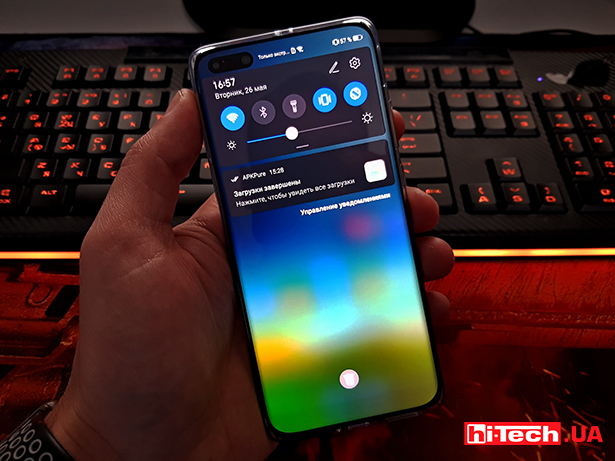
There is life without Google services… But
Several points should be noted as conclusions. The first is that it is not clear that Huawei smartphones, despite their technical capabilities, cannot use software developments. The above list suggests that they can do it no less successfully than before. Yes, the user needs to make two or three more clicks at the beginning to install almost all the usual applications. There will be no inconveniences in the future, and maybe there will be even fewer of them than with the Play Store overloaded with fraudulent applications.
The second point is that when working with Huawei smartphones, especially flagship models, you experience a constant feeling of satisfaction, 97-98%, but 100%. For ourselves, we associated this with the fact that there are no a couple of familiar tools from the search giant. But we also realize that the force of habit exaggerates all the difficulties associated with changing the environment, including the program.
In the coming days, we will publish a review of two of Huawei’s top smartphones this year, in particular the P40 Pro. And in its top quality lies the third, dessert moment – the hardware makes the difference, and the absence of a couple of applications from the usual list is not the end of the world. If you need a smartphone for photo and video shooting, then the P40 Pro camera capabilities are just for that. We will find out soon whether the flagship features of the model will be able to compensate for the inconveniences associated with the software.


Don't miss interesting news
Subscribe to our channels and read announcements of high-tech news, tes

Parents will be able to limit their children’s use of Android smartphones through Google Family Link



Oppo A6 Pro smartphone review: ambitious

 0
0 
Creating new mid-range smartphones is no easy task. Manufacturers have to balance performance, camera capabilities, displays, and the overall cost impact of each component. How the new Oppo A6 Pro balances these factors is discussed in our review.
Acer Nitro Lite 16 (NL16-71G) laptop review: versatile and attractive
0 
The 2025 Acer Nitro Lite 16 features an interesting case design, gaming accents, and proven components. Let’s take a closer look at its features.
Stop Killing Games will create non-governmental organizations protecting gamers’ rights in the EU and the US games law

Initiative aims to promote laws against publishers who disable game support and effectively deprive users of access to already purchased products.
Nothing Phone (4a) and Nothing Phone (4a) Pro smartphones introduced. Details smartphone world events
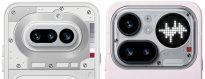
Nothing has introduced two new mid-range smartphones – Nothing Phone (4a) and Nothing Phone (4a) Pro.