

Windows 11’s power saving mode will become more adaptive
17.07.25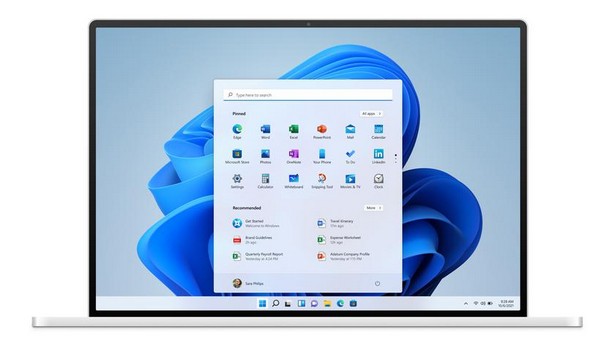
Previously, power saving in Windows 11 worked according to a simple scheme: when the battery charge fell below a certain threshold — for example, to 20% — the system automatically reduced the screen brightness, reduced the load on the processor, disabled visual effects and limited background activity. All this was done to continue working on battery power.
Now Microsoft has changed its approach. In test builds of Windows 11 a few weeks ago, enthusiasts noticed a new “adaptive” power saving mode, but it worked unstable. With the release of Windows 11 Canary build 27898, the feature first became available for preview on laptops and tablets.
Unlike the previous method, adaptive mode takes into account not only the charge level, but also other parameters — current power consumption, system load and network connection. That is, power saving can be turned on even at a high charge level, if the system considers it appropriate. At the same time, the screen brightness is not reduced, which can be important for ease of use.
Not by default
As noted in the official build notes, adaptive mode is not yet enabled by default. The user needs to activate it manually in the Settings > System > Power & battery section. However, Microsoft is already experimenting with automatically enabling this feature for individual members of the Windows Insider program. It can also be disabled manually.
The appearance of adaptive power saving coincides with a wave of criticism of Windows 11 for inefficient use of resources and poor optimization for portable devices, including game consoles. In response to these remarks, Microsoft announced a simplified version of Windows 11, focused on mobile gaming platforms.
The new feature may extend the autonomy of laptops and tablets, but in the long term it is also a step towards more flexible resource management, depending on the specific usage scenario.
Don't miss interesting news
Subscribe to our channels and read announcements of high-tech news, tes

Oppo A6 Pro smartphone review: ambitious

 0
0 
Creating new mid-range smartphones is no easy task. Manufacturers have to balance performance, camera capabilities, displays, and the overall cost impact of each component. How the new Oppo A6 Pro balances these factors is discussed in our review.
In-Ear headphones Active Noise Cancellation: how Oppo eliminate noise
0 
In-ear headphones remain one of the most popular form factors due to their lightweight design. However, this design is considered one of the most challenging to implement active noise cancellation (ANC). We’ll explain how Oppo solved this problem.
Garmin Fenix 9 Surface: Everything We Know Before the Official Launch

A Czech retailer has accidentally revealed the full Garmin Fenix 9 lineup, consisting of 18 different variants. The new models feature various case sizes, integrated satellite connectivity, and an official launch scheduled for August 25.
Apple Music to Introduce AI Music Labels

Apple Music will introduce special Made With AI labels for songs created with generative artificial intelligence by the end of 2026.