

Logitech G PRO X2 Superstrike Lightspeed mouse review: person solution
12.03.26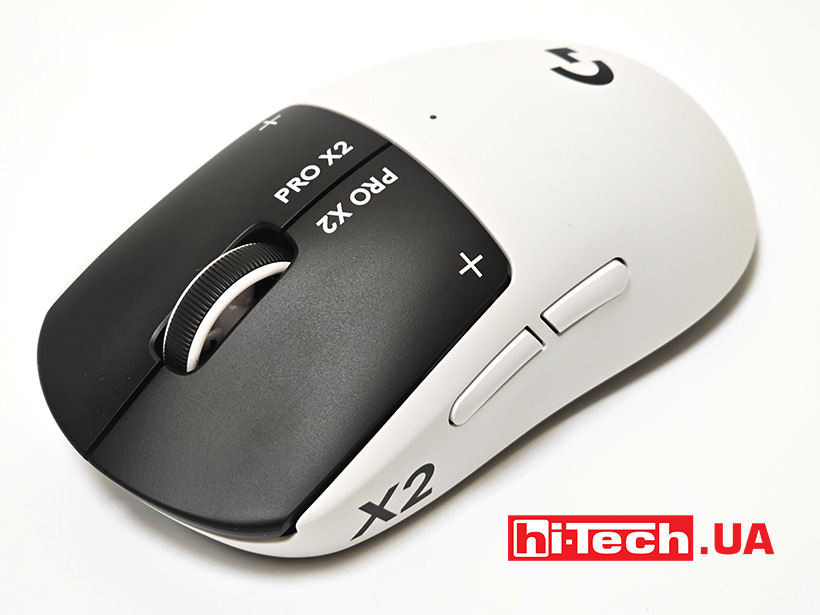
Logitech G PRO X2 Superstrike Lightspeed is a mouse that has received a new switch system – Haptic Inductive Trigger System (HITS). These are inductive tactile triggers that allow you to adjust the response and actuation point of the keys to minimize delays. It sounds like a conceptual novelty, but this is a serial product that is already sold in Ukraine, and now we will tell you about it in more detail.
Design and ergonomics
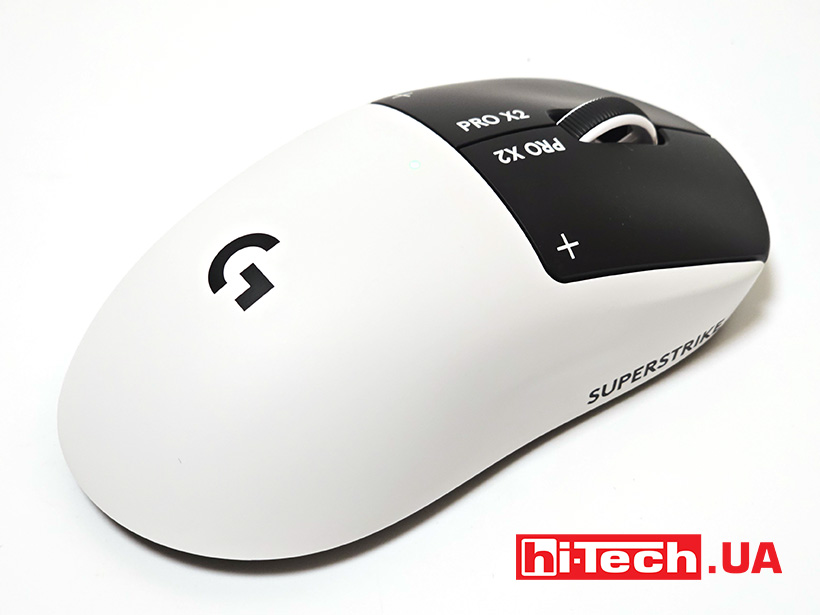
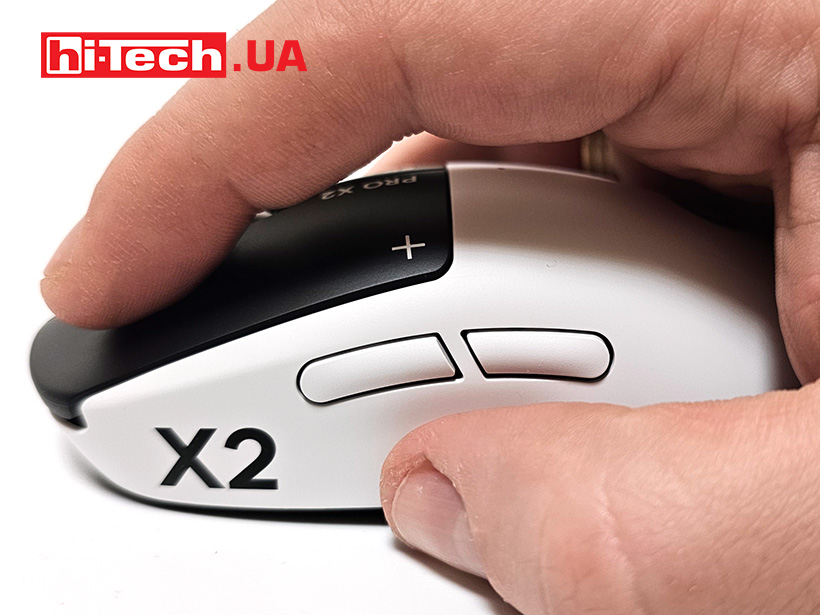
The Logitech G PRO X2 Superstrike Lightspeed looks like a classic representative of medium-sized symmetrical mice. It has a teardrop shape with large main buttons and a long back that is comfortable for the palm.
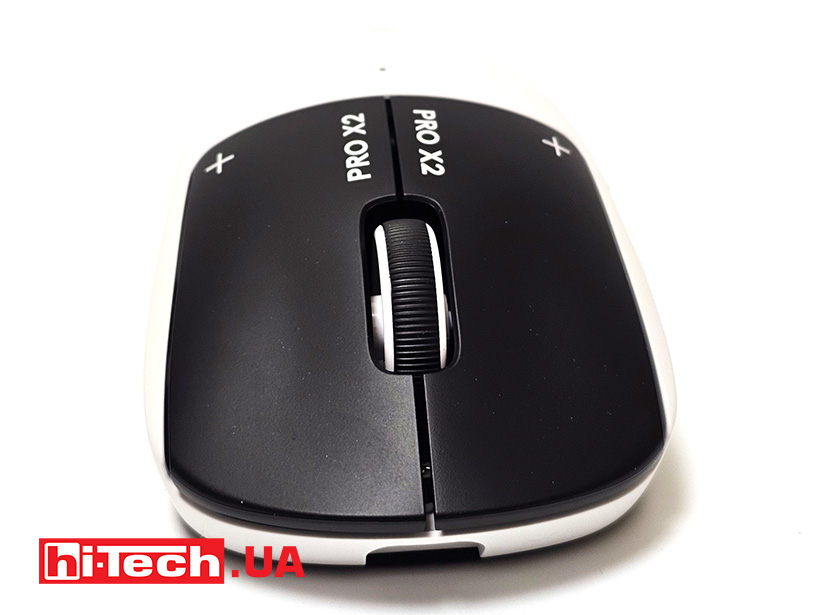
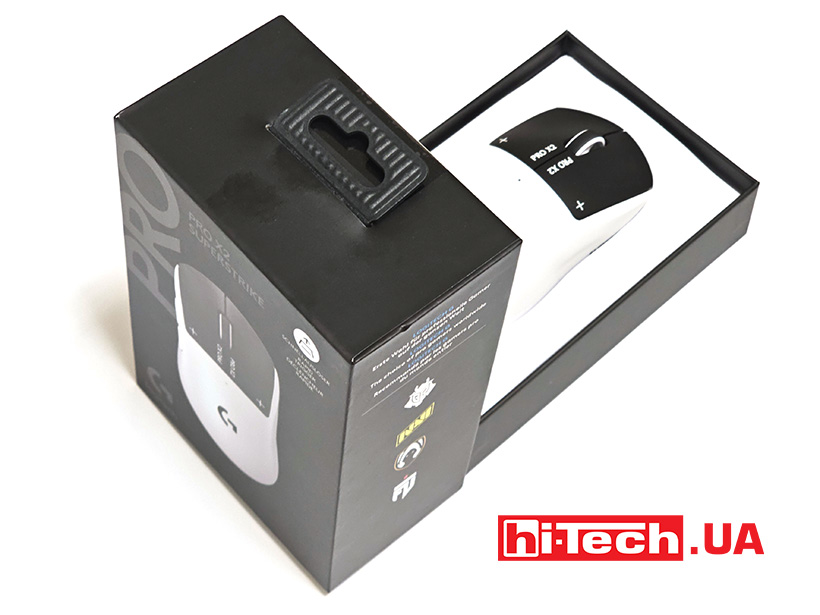
The buttons, one might say, are the minimum required – two main ones, a scroll wheel and two side ones. The case color is currently only available in one color – white, with black inserts on the main keys. The scroll wheel is two-tone. Of the decorations – the model logos on the sides and on the buttons. Only a small diode on the top of the case lights up when the power is turned on.
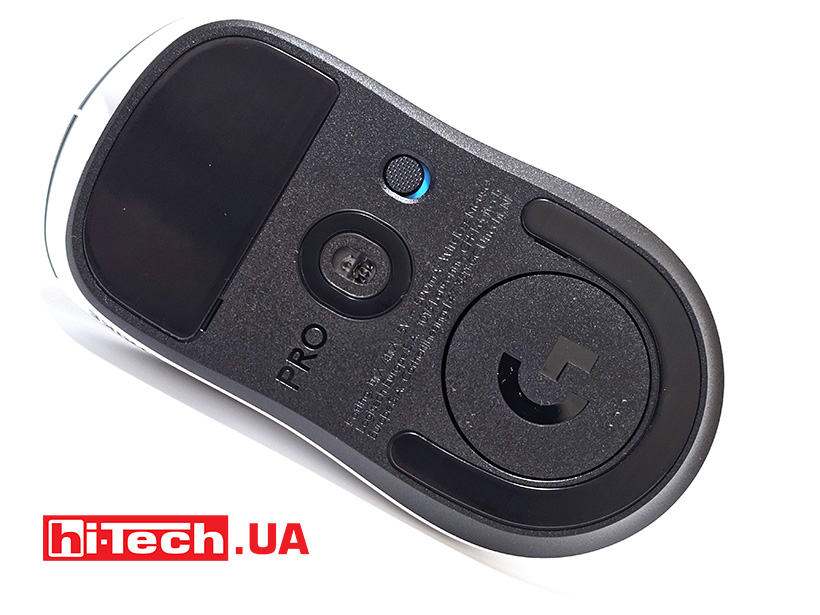
The base of the case is completely black. It houses two large feet for improved gliding, a window for the Hero 2 sensor, a power button slider, and a cover for the Logitech Powerplay wireless charging module. Underneath it is a compartment for the receiver.
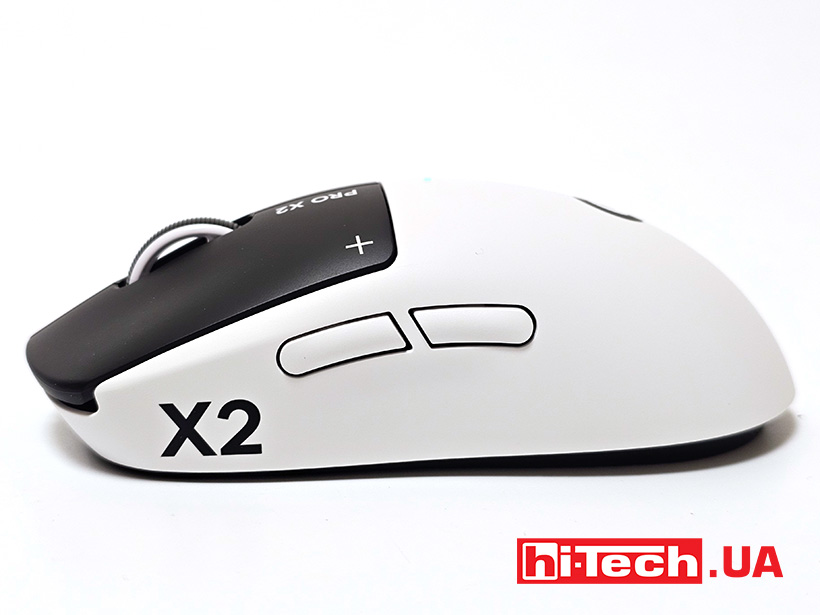
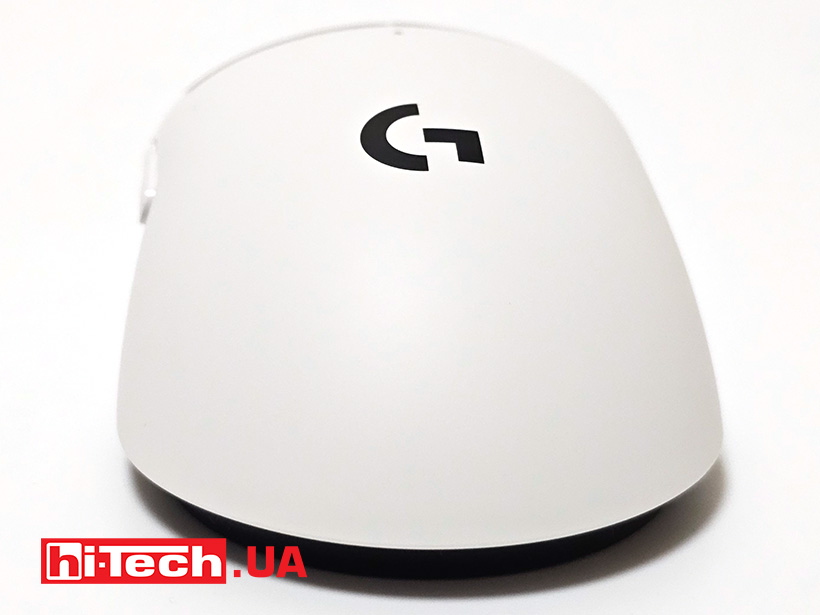
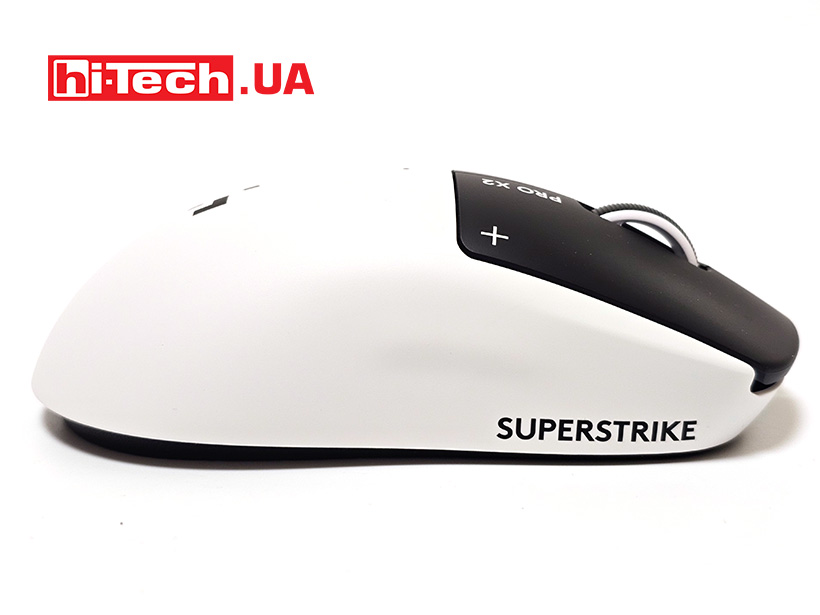
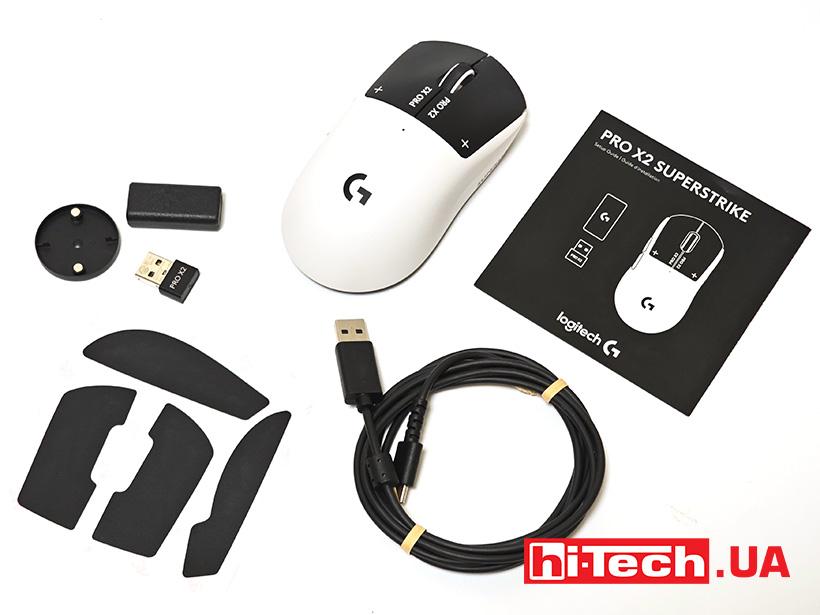
The device comes with a receiver, an extension adapter for the receiver, a charging cable, body pads for even better grip. In addition, there is a spare Powerplay compartment door.
Features of operation and settings of HITS switches
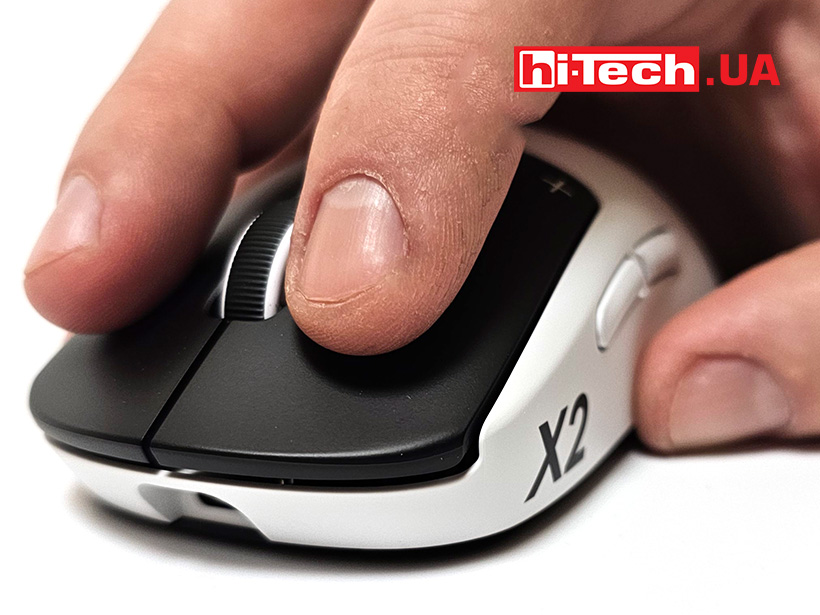
The Logitech G PRO X2 Superstrike Lightspeed mouse, despite its classic form, has received, let’s not be afraid to say, a revolutionary innovation. The main switches have received a tactile inductive feedback system. The point is that the click and force of the buttons can be adjusted.
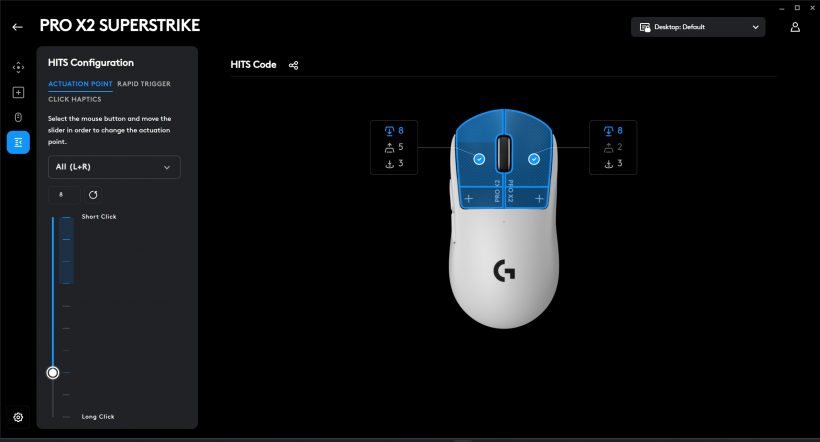
Hits switches allow you to adjust the travel distance required for pressing and feedback. Adjustment is available for both main buttons. In practice, you can set the actuation to be either a micro touch or a fairly strong one, as with various mechanical switches. In the G Hub application, you can immediately check in real time how the sensitivity changes when the actuation point changes.
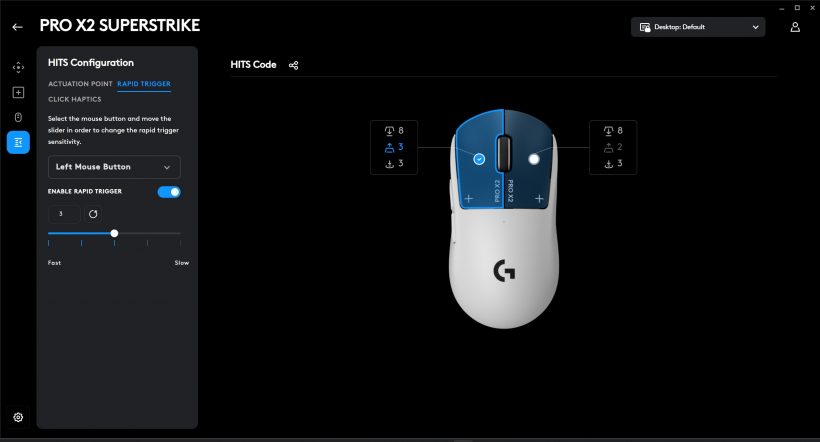
Feedback can also be tested in real time. The key may return to its original position instantly, or it may take a moment longer to do so, giving the feeling of completion of the action.
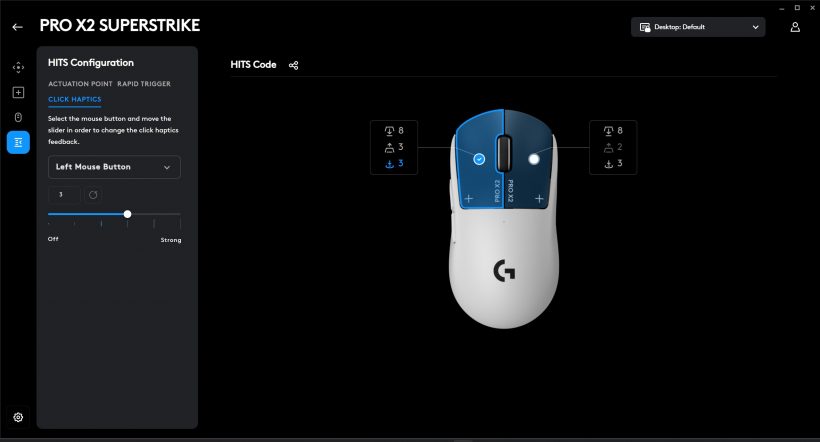
But what causes a literal wow effect is the adjustment of the main button recoil. With the same actuation point setting, the button recoil can become diametrically opposite. The buttons can be pressed as if a finger is pressed into cotton wool or a tight touchpad, at a value of 0. And at the maximum value of 5, the button recoil will become clicky, like from a short-stroke button on a membrane keyboard. Moreover, at values 4 and 5, a warning about increased battery consumption is displayed. Visually, the keys have the same travel at different settings, but the Hits switch processes the pressing differently, depending on the setting.
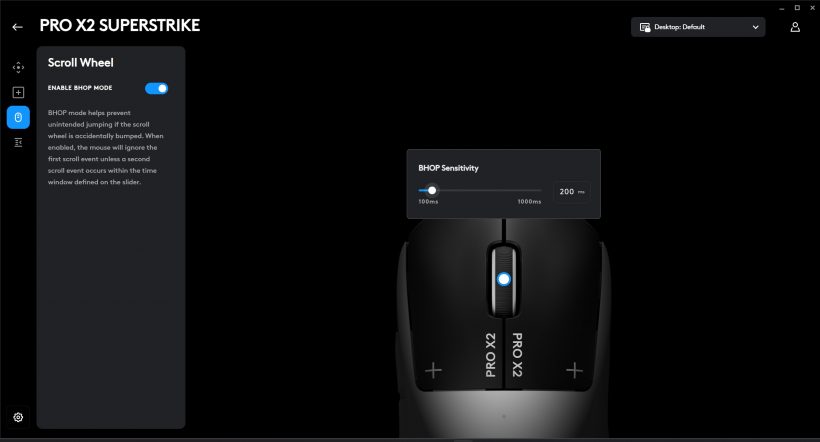
There is a Bhop mode setting. With it, you can minimize accidental scrolling with the scroll wheel. When activated, the mouse will ignore the first movement of the wheel. You can set the timeout until the next one – from 100 to 1000 msec.
The main and most important thing is the feeling. You can be skeptical about trying to reinvent classic accessories. Yes, the gaming industry often becomes a testing ground, successful and not so. It seems that in this case Logitech succeeded again. Previously, the company developed a very effective Lightspeed connection protocol. Now the success has touched the very roots – the switches.




Let’s add that the PRO X2 Superstrike Lightspeed supports wireless charging from the Logitech G Powerplay mouse pad. That is, the comfort of wireless use is complemented by easy control. We get a super solution for shooters and fans of “light” mice.
Impressions
The Logitech G PRO X2 Superstrike Lightspeed mouse uses a LIGHTSPEED wireless connection with a polling rate of up to 8000 Hz, as well as a HERO2 sensor with a resolution of up to 44000 DPI. Proven solutions that have proven themselves well among esports players, and now the new PRO X2 Superstrike was designed in collaboration with over 100 esports professionals from NAVI, G2, GEN.G, BLG, FlyQuest RED and other teams who have already won tournaments with the new mouse.
A lightweight body, long battery life of up to 90 hours and a full set of customization functions through the Logitech GHUB program make the Superstrike an attractive choice for beginners, enthusiasts and esports players. The ability to adjust the button training point is simply a killer feature that mice have never dreamed of before.
The new Hits switches literally put the G PRO X2 Superstrike Lightspeed mouse in a new class of devices. The ability to radically change the way the buttons click is executed is something that seemed unrealistic even 10 years ago. Yes, the extreme values may not be the most popular among professional gamers, but feeling the click is just as important as a comfortable actuation point. However, such a device may also appeal to amateurs who need silence and minimal button recoil.
Logitech G PRO X2 Superstrike Lightspeed Mouse specifications
| Sensor Type: | HERO 2 |
| Resolution: | 100 – 44,000 DPI |
| Maximum Acceleration: | > 88 G2 |
| Maximum Speed: | > 888 IPS2 |
| Max. polling rate (lead): | 1000 Hz (1 ms) |
| Max. LIGHTSPEED polling rate: | 8000 Hz (0.125 ms) |
| Number of keys: | 5+1 scroll wheel |
| Connectivity: | LIGHTSPEED, USB Type-A/Type-C |
| Battery type: | built-in |
| Dimensions: | 125 × 63.5 × 40 mm |
| Weight: | 61 g |
| Supplier: | Logitech representative office in Ukraine |
| Price: | 7999 UAH |
Rating:
+ adjustable return and button actuation point
+ ergonomics of the case
+ autonomy
– only one color solution


Don't miss interesting news
Subscribe to our channels and read announcements of high-tech news, tes





Oppo A6 Pro smartphone review: ambitious

 0
0 
Creating new mid-range smartphones is no easy task. Manufacturers have to balance performance, camera capabilities, displays, and the overall cost impact of each component. How the new Oppo A6 Pro balances these factors is discussed in our review.
Oppo Reno16 Pro 5G smartphone review: well-heeled
0 
Oppo Reno16 Pro 5G looks like a balanced smartphone, in which the manufacturer tried not to make a single characteristic the defining one. It has many advantages. Let’s tell you what
New Lenovo Yoga Lineup Debuts With NVIDIA RTX Spark Chips

Lenovo unveiled two new Yoga laptops at IFA 2026: the Pro 9n and 9n 2-in-1. The devices feature a 20-core NVIDIA RTX Spark chip and OLED displays.
Lexar Unveils Muse: The World’s Thinnest Portable SSD at Just 1mm
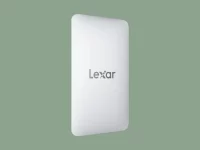
Lexar has announced the ultra-thin Muse portable drive, featuring a chassis that measures just 1mm at its thinnest point. The device stands out with its unique magnetic interface and stylish design.