

Vivaldi 8.0 goes against the trends of Chrome and Edge with a new interface
23.05.26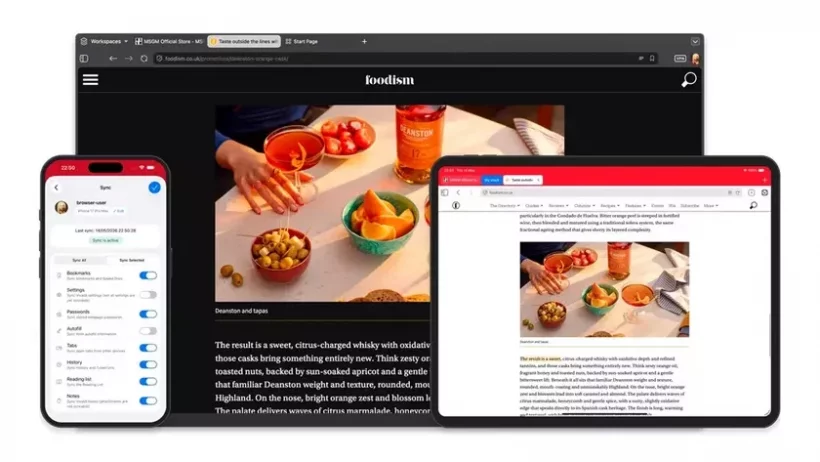
The developers of the popular web browser presented a major update to the desktop version of Vivaldi 8.0. While the industry competes to reduce interfaces to the bare minimum, Jon von Techner’s team is bucking the trend. The update is not an ordinary vulnerability patch, but the most fundamental change in appearance in the ten-year history of the browser. The authors seek to fundamentally rethink the user’s interaction with the web workspace.
Unified interface
The basis of the new design was the “Unified” concept. Previously, panels, tabs, and system controls seemed like separate blocks. Now they are integrated into a harmonious and integrated design system that forms a solid continuous layer. Thanks to the absence of unnecessary visual transitions, the graphic noise of surfing is significantly reduced, while the functionality of the program is completely preserved in direct access.
Six interface layouts and personalization options
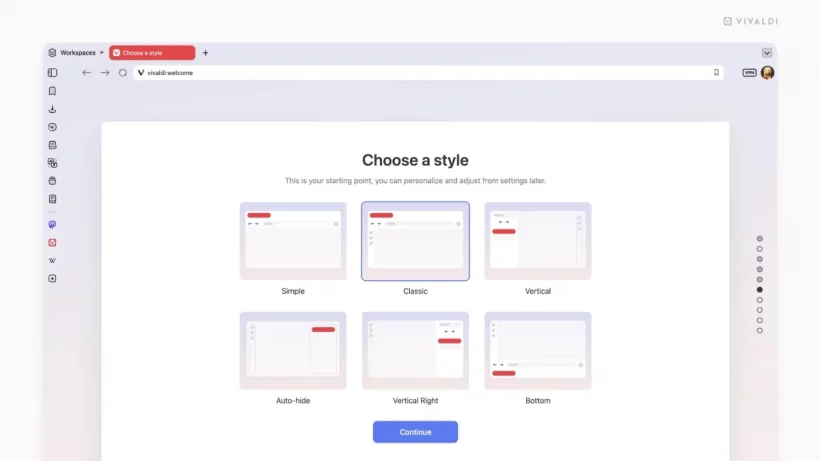
For instant configuration of the interface, the developers have integrated six ready-made design layouts, focused on various practical scenarios:
- A minimalistic theme with a trendy frameless design – created especially for those who want to focus exclusively on the content of their sites.
- Configuration with fully hidden interactive interface elements is suitable for professionals who need extreme concentration during work.
- Traditional classic layout – preserves the usual arrangement of panels for regular users of the program.
- Two specialized options with vertical placement of tabs (left or right) – this display on the right is a trademark of the software, which perfectly optimizes wide-screen displays and saves more web space in height.
These ready-made layouts allow you to quickly optimize the appearance of the software, even without deep diving into the options of fine-tuning the panels.
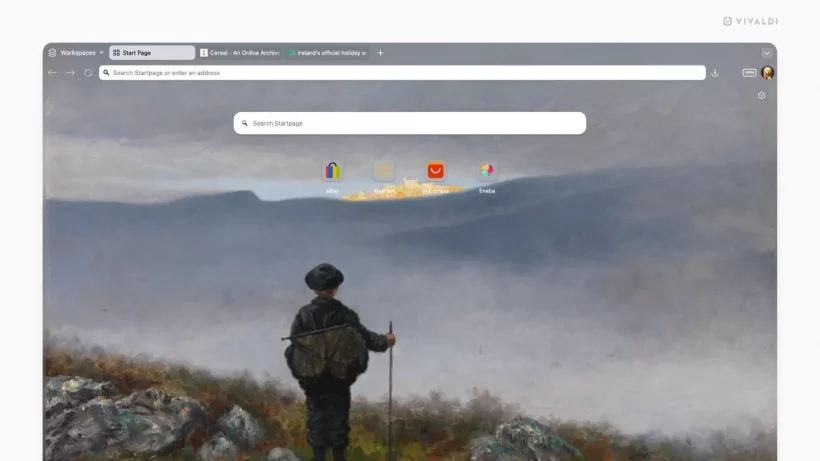
In cases where ready-made configurations are not enough, a proprietary catalog is available on the project’s official web resource, which contains a list of solutions. A database of more than 7,000 original author’s design themes, composed by a wide community of platform lovers, is available to users.
Comparison of the concept with the current market
In an era of total standardization, browser programs often turn into banal shells for displaying ads and cut back on basic customization options. The release of the new iteration proves that the technological complexity of the program can look sleek and modern while keeping the screen tidy. Free customization of the graphical environment makes it a key solution for advanced users.
Don't miss interesting news
Subscribe to our channels and read announcements of high-tech news, tes

Oppo A6 Pro smartphone review: ambitious

 0
0 
Creating new mid-range smartphones is no easy task. Manufacturers have to balance performance, camera capabilities, displays, and the overall cost impact of each component. How the new Oppo A6 Pro balances these factors is discussed in our review.
Oppo Reno16 Pro 5G smartphone review: well-heeled
0 
Oppo Reno16 Pro 5G looks like a balanced smartphone, in which the manufacturer tried not to make a single characteristic the defining one. It has many advantages. Let’s tell you what
Garmin Releases Critical Firmware Update to Fix Display Glitches
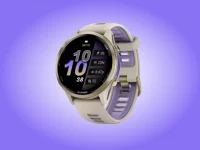
Garmin has released software version 17.39 for popular watch models, including the Forerunner, Venu, and Vivoactive lines. The patch addresses display bugs and fixes gesture recognition issues.
Watch the Sony Xperia 10 VIII Reveal Live: Stream Link
Where and when to watch the presentation of the newest Sony Xperia 10 VIII smartphone, which will complement the company’s flagship series.