

Emergency security update for Android: 124 vulnerabilities fixed – how to check?
29.06.26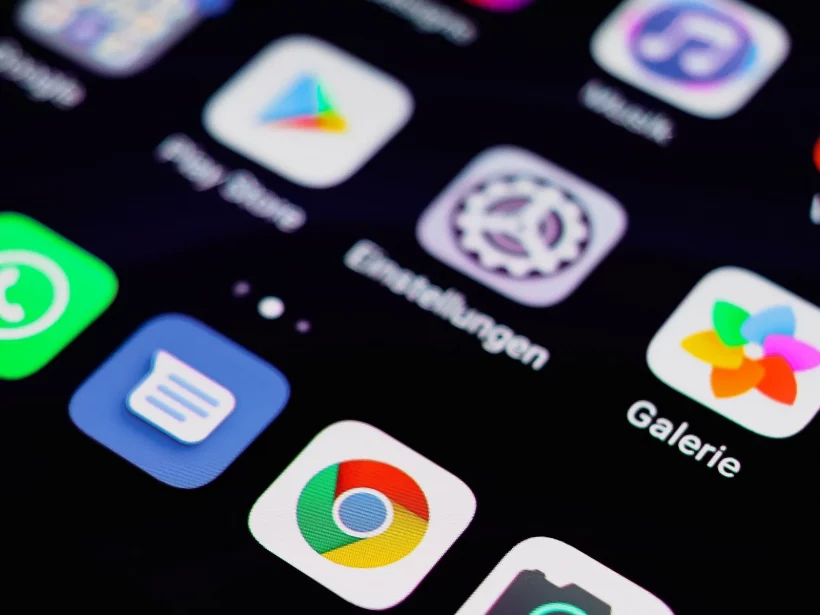
The June Android security update was one of the biggest this year. Google has fixed 124 critical vulnerabilities that compromised user privacy. One of the main reasons for the urgent update was a flaw that attackers are already actively exploiting in real conditions.
Dangerous vulnerability numbered CVE-2025-48595
The central problem of the June update was a vulnerability with the identifier CVE-2025-48595. It affects the core Android framework and allows hackers to gain elevated privileges on the system without any interaction from the device owner. According to official data, this loophole has already been used for targeted attacks of a limited scope. Smartphones running Android 14, 15, 16 and Android 16 QPR2 are at risk.
Details and structure of security patches
In total, Google has closed 123 additional security holes in addition to the above-mentioned vulnerability. The deployment update process is divided into two stages:
- Patch dated June 1, 2026: closes the main components of the OS and eliminates 18 critical vulnerabilities.
- Patch dated June 5, 2026: additionally contains critical fixes for the system kernel, as well as hardware drivers from Qualcomm and MediaTek.
To fully protect your smartphone, it is enough to install one of these patches.
Time frame for receiving updates
The speed of installing patches directly depends on the manufacturer of your smartphone. Google Pixels always remain a priority, while owners of flagship Samsung models usually receive protection after a few days. For users of budget devices and models older than two years, the update may take several weeks. It is recommended that you do not ignore system update notifications.
How to check the protection status yourself
To make sure your device is secure, go to Settings, select Security & Privacy, and then open System & Updates. Check the security level date: it must correspond to June 1 or June 5, 2026. If an older date is indicated, be sure to search for and install available updates.
Don't miss interesting news
Subscribe to our channels and read announcements of high-tech news, tes

Oppo A6 Pro smartphone review: ambitious

 0
0 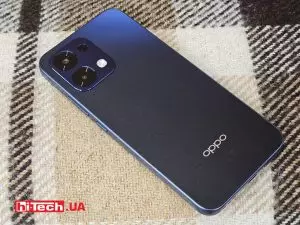
Creating new mid-range smartphones is no easy task. Manufacturers have to balance performance, camera capabilities, displays, and the overall cost impact of each component. How the new Oppo A6 Pro balances these factors is discussed in our review.
In-Ear headphones Active Noise Cancellation: how Oppo eliminate noise
0 
In-ear headphones remain one of the most popular form factors due to their lightweight design. However, this design is considered one of the most challenging to implement active noise cancellation (ANC). We’ll explain how Oppo solved this problem.
Battlefield 6 Free for a Week, But There’s a Catch

Electronic Arts is granting free access to Battlefield 6 for one week, from August 18 to 25. We explain how to get the game, which maps are available, and why the mandatory installation of the REDSEC mode is raising questions among gamers.
Bigme B1051 Ultra: Office-Ready Android Tablet With 10.3-Inch Color E Ink Display

Bigme has launched the B1051 Ultra, a multifunctional Android 14 E Ink tablet. The device features a Dimensity 1080 processor, a Kaleido 3 color display, and AI functions for document management.